

Convert PDF to Excel Online Free (PDF to XLSX Converter)
PDF to Excel
Convert PDF tables and spreadsheets into Excel files.
Drag & drop files here or click to browse
Convert PDF to Excel Online Free
Quick Answer:A PDF to Excel converter transforms PDF files into editable Excel spreadsheets (XLSX). It extracts tables, rows, columns, invoices, reports, and structured data from PDFs so you can sort, filter, analyze, and edit information without manual data entry.
Need to extract tables or spreadsheet data from a PDF document? Our free PDF to Excel converter helps you convert PDF files into editable Excel spreadsheets while preserving rows, columns, tables, and numerical data whenever possible.
Whether you’re working with financial reports, invoices, sales records, bank statements, inventory sheets, or business data, converting PDF to Excel can save hours of manual data entry.
If you’re exploring online document tools, see our guide to the best PDF tools in 2026.
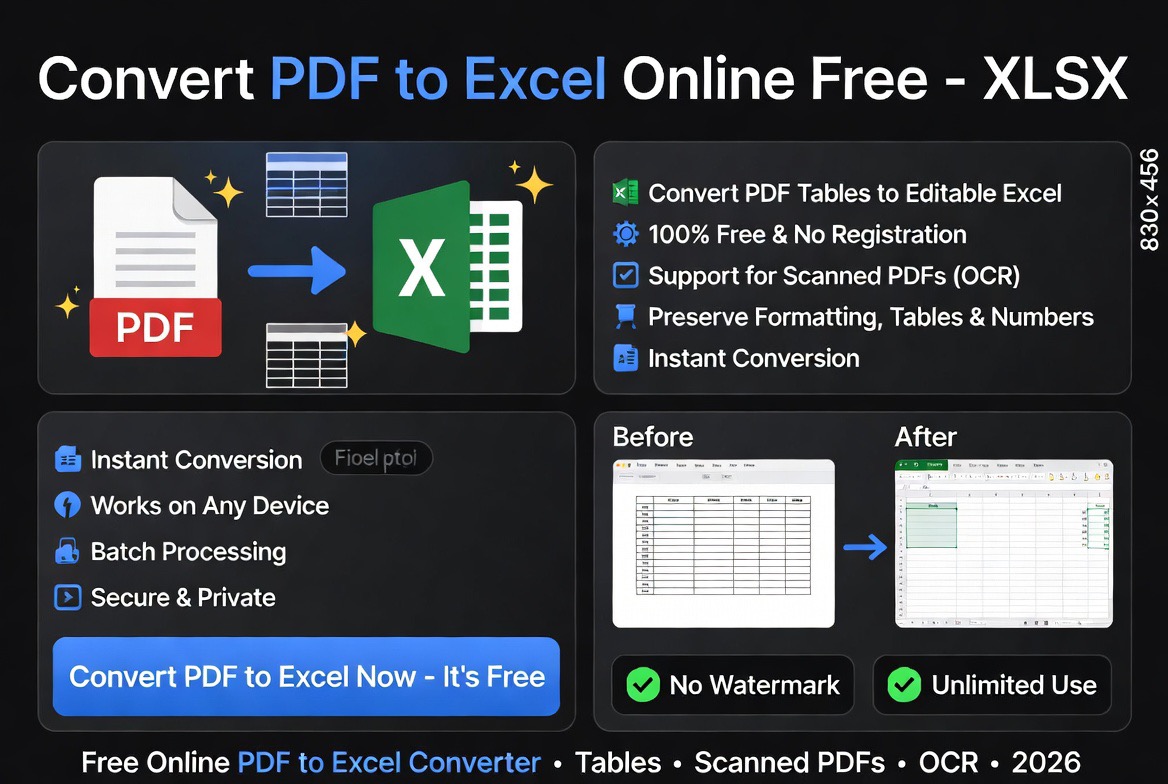
How to Convert PDF to Excel in 3 Simple Steps
- Upload your PDF file.
- Click Convert to Excel.
- Download your XLSX spreadsheet.
Your converted Excel file can be opened in Microsoft Excel, Google Sheets, LibreOffice Calc, and other spreadsheet applications.
Why Convert PDF to Excel?
PDF files are designed for viewing and sharing documents, but they are not ideal for data analysis or spreadsheet editing. Converting PDF to Excel allows you to work with data in a flexible format that supports calculations, sorting, filtering, chart creation, and reporting.
Common reasons people convert PDF to Excel include:
- Extracting tables from reports
- Editing financial data
- Analyzing sales records
- Converting invoices into spreadsheets
- Processing business reports
- Managing inventory data
- Updating accounting records
- Reducing manual data entry
PDF vs Excel: What’s the Difference?
| Feature | Excel (XLSX) | |
|---|---|---|
| Editability | Limited | Fully Editable |
| Data Analysis | No | Excellent |
| Formulas | No | Yes |
| Sorting & Filtering | No | Yes |
| Charts & Graphs | Static | Interactive |
| Data Management | Limited | Advanced |
PDF files are useful for preserving document formatting, while Excel spreadsheets are designed for managing, calculating, and analyzing data.
How to Convert PDF to Excel Online
Converting PDF files into editable Excel spreadsheets takes only a few steps:
- Upload your PDF file.
- Click the Convert button.
- Wait for the conversion process to finish.
- Download your XLSX spreadsheet.
- Open the file in Microsoft Excel, Google Sheets, or compatible software.
No software installation is required. Everything works directly in your web browser.
Benefits of Converting PDF to Excel
1. Eliminate Manual Data Entry
One of the biggest advantages of PDF to Excel conversion is avoiding the need to manually type large amounts of data into spreadsheets.
2. Analyze Data More Efficiently
Excel provides powerful tools for calculations, formulas, sorting, filtering, pivot tables, and advanced reporting.
3. Improve Accuracy
Automated conversion reduces the risk of human errors that often occur during manual data entry.
4. Save Valuable Time
Businesses, accountants, analysts, and researchers can process large volumes of information significantly faster.
5. Enable Better Reporting
Once data is in Excel format, it can be used to create charts, dashboards, financial models, and performance reports.
What Types of PDF Files Can Be Converted to Excel?
- Bank statements
- Invoices and receipts
- Financial reports
- Sales reports
- Inventory spreadsheets
- Accounting records
- Research tables
- Business analytics reports
- Procurement documents
- Performance dashboards
Convert Scanned PDF to Excel with OCR
If your PDF is a scanned document or image-based file, OCR (Optical Character Recognition) technology can detect text and table structures before converting them into editable Excel spreadsheets.
OCR is particularly useful for scanned invoices, printed reports, bank statements, receipts, and archived business documents.
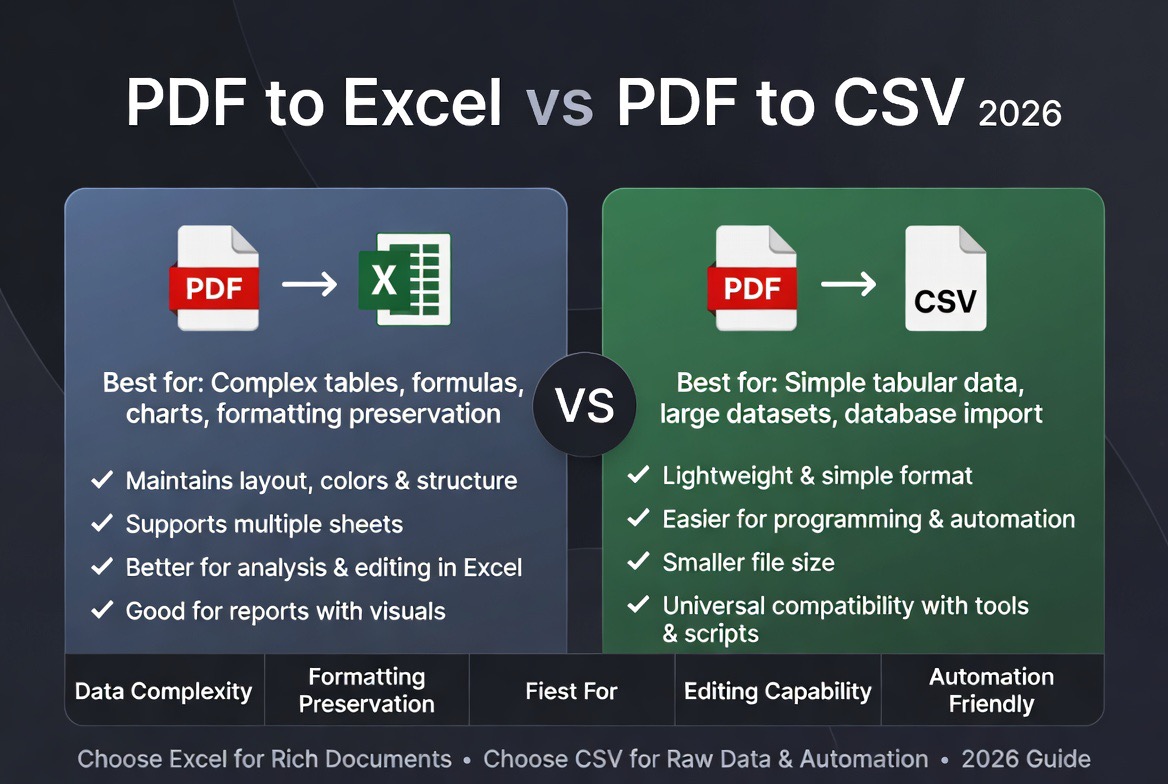
PDF to Excel vs PDF to CSV
| Feature | Excel (XLSX) | CSV |
|---|---|---|
| Multiple Sheets | Yes | No |
| Formatting | Yes | Limited |
| Formulas | Yes | No |
| Charts | Yes | No |
| Data Analysis | Advanced | Basic |
Related PDF Tools
- PDF to Word
- Word to PDF
- PDF to PowerPoint
- PDF to JPG
- Merge PDF
- Split PDF
- Compress PDF
- Excel to PDF
- Quickly convert PDF files into fully editable Excel spreadsheets
Who Uses PDF to Excel Converters?
- Accountants and bookkeepers
- Financial analysts
- Business owners
- Auditors
- Operations managers
- Researchers
- Students
- Data analysts
- Procurement teams
- Inventory managers
Any professional who regularly works with reports, spreadsheets, invoices, or financial documents can benefit from PDF to Excel conversion.
Common Use Cases
Financial Reports
Convert annual reports, budgets, profit and loss statements, and accounting records into spreadsheets for further analysis.
Invoices and Receipts
Businesses often convert PDF invoices into Excel files for expense tracking, bookkeeping, and financial reporting.
Bank Statements
Extract transaction data from PDF bank statements and organize it in spreadsheets for budgeting and reconciliation.
Inventory Management
Convert inventory reports into editable spreadsheets to monitor stock levels and purchasing requirements.
Research Data
Researchers frequently convert PDF tables into Excel for statistical analysis and reporting.
Why Use Our PDF to Excel Converter?
- Free online conversion
- No software installation required
- Works on desktop and mobile devices
- Supports large PDF documents
- Fast processing speeds
- Secure file handling
- Preserves tables and spreadsheet structure
- Compatible with Microsoft Excel and Google Sheets
Who Uses PDF to Excel Converters?
PDF to Excel conversion is commonly used by accountants, financial analysts, auditors, researchers, procurement teams, inventory managers, business owners, and students who need editable spreadsheet data for reporting and analysis.
Expert Analysis: Is PDF to Excel Conversion Worth It?
Based on our evaluation of document workflows, PDF to Excel conversion offers one of the highest productivity gains among all document conversion tools.
Organizations often receive reports, statements, invoices, and data exports as PDFs. Manually re-entering information into spreadsheets is time-consuming, inefficient, and prone to errors.
In most situations, converting PDF tables into Excel spreadsheets first is dramatically faster and improves data accuracy. Modern conversion technology can recognize structured tables and transfer them into rows and columns that are ready for analysis.
For professionals working with large datasets, PDF to Excel conversion can save dozens of hours each month.
PDF to Excel vs Manual Data Entry
| Factor | PDF Conversion | Manual Entry |
|---|---|---|
| Speed | Fast | Slow |
| Accuracy | High | Variable |
| Scalability | Excellent | Poor |
| Effort Required | Low | High |
| Cost | Usually Free | Time Intensive |
Can PDF Tables Be Converted Accurately?
Modern PDF conversion tools are capable of recognizing table structures, columns, rows, and numerical values. Results are generally excellent when PDFs contain clearly formatted tables.
However, highly complex layouts, scanned documents, or low-quality PDFs may require additional cleanup after conversion.
For scanned PDFs, OCR (Optical Character Recognition) technology may be necessary to accurately extract text and numerical information.
Security and Privacy Considerations
If your PDFs contain financial records, invoices, customer information, or sensitive business data, it is important to use trusted conversion tools that securely process files and automatically delete uploaded documents after processing.
Learn more in our guide: Are Online PDF Tools Safe?
Related PDF Tools
- Convert PDF to Word
- Compress PDF Online
- Convert PDF Documents Online
- Free PDF Tools Comparison
- Best PDF Tools 2026
- Best Free PDF Tools
- AI vs Traditional PDF Tools
- Smallpdf Alternatives
- iLovePDF Alternatives
Frequently Asked Questions
Is PDF to Excel conversion free?
Yes. You can convert PDF files into editable Excel spreadsheets for free using our online converter.
Will tables remain intact after conversion?
Most tables, rows, and columns are preserved whenever possible during conversion.
Can I convert scanned PDF documents?
Yes, although OCR technology may be required to accurately extract data from scanned files.
Can I open the converted file in Google Sheets?
Yes. XLSX files can be uploaded and edited in Google Sheets as well as Microsoft Excel.
Can formulas be extracted from PDF files?
PDF files typically contain displayed values rather than underlying formulas. Converted spreadsheets usually contain the extracted data rather than original formulas.
Is PDF to Excel conversion secure?
Yes, provided you use trusted tools that securely process and automatically remove uploaded files after conversion.
Can I convert PDF to Excel without losing formatting?
Most tables, rows, and columns are preserved during conversion, although highly complex layouts may require minor adjustments.
What is the difference between XLS and XLSX?
XLSX is the modern Excel file format that supports larger datasets, improved performance, and better compatibility with spreadsheet software.
Can I convert PDF bank statements to Excel?
Yes. PDF bank statements can be converted into Excel spreadsheets, making it easier to analyze transactions, reconcile accounts, and create financial reports.
Does this PDF to Excel converter work on mobile?
Yes. The tool works on smartphones, tablets, laptops, and desktop computers directly in your browser.
Final Thoughts
A PDF to Excel converter is an essential productivity tool for accountants, analysts, researchers, business owners, and professionals who work with structured data. Instead of manually entering information, you can transform PDF tables and reports into editable spreadsheets within seconds.
Use the free converter above to convert PDF files into Excel spreadsheets while preserving tables, rows, columns, and valuable business data.