

Convert Excel to PDF Online Free (XLSX to PDF)
Excel to PDF
Convert Excel spreadsheets (XLS, XLSX) into PDF files.
Drag & drop files here or click to browse
Excel to PDF Converter – Convert Excel Files to PDF Online Free
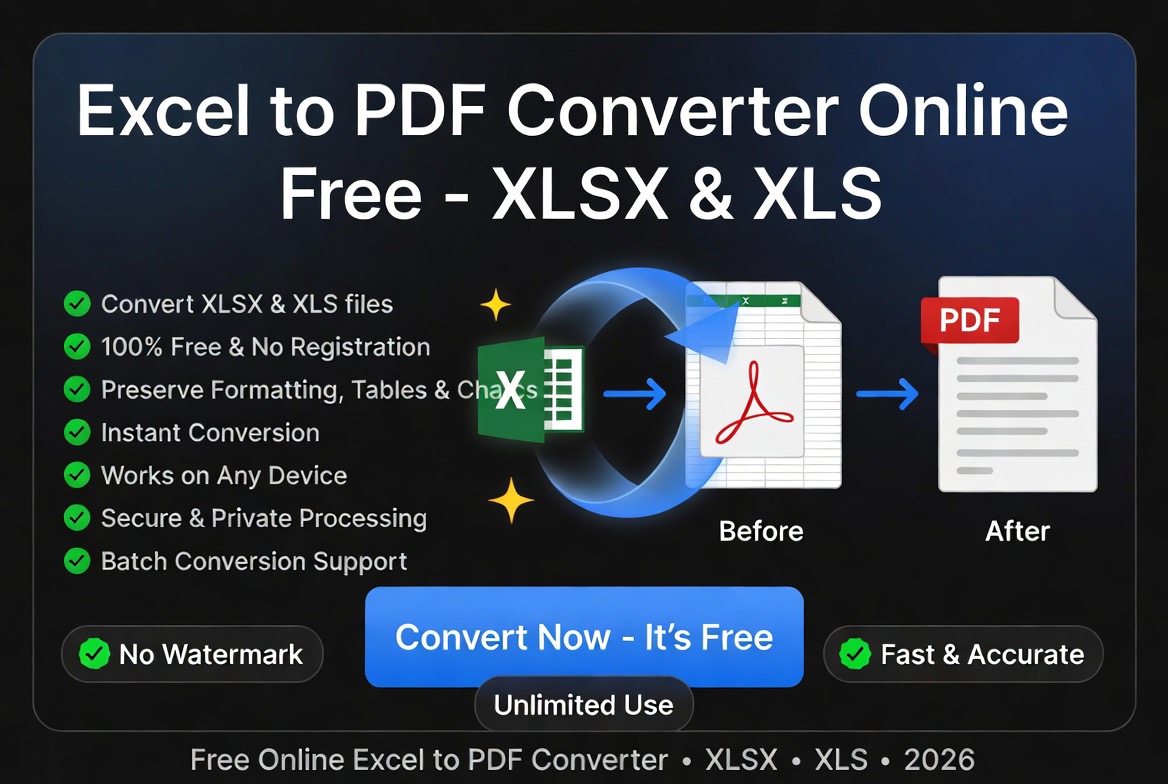
Need to convert Excel to PDF online? Our free Excel to PDF converter transforms XLS and XLSX spreadsheets into professional PDF documents while preserving tables, formulas, charts, formatting, and page layouts.
Whether you’re sharing financial reports, invoices, project plans, schedules, budgets, or business data, PDF files provide a consistent format that looks the same on every device.
For more document productivity tools, explore our guide to the best PDF tools in 2026.
Why Convert Excel to PDF?
Excel spreadsheets are powerful tools for calculations, analysis, and data management. However, spreadsheet formatting can change when files are opened on different devices or software versions.
Converting Excel to PDF creates a stable document that preserves the appearance of your spreadsheet.
Common reasons users convert Excel files to PDF include:
- Sharing financial reports
- Creating printable spreadsheets
- Submitting application documents
- Sending invoices and quotations
- Sharing business data
- Archiving records
- Protecting spreadsheet layouts
- Creating professional documents
Excel vs PDF: What’s the Difference?
| Feature | Excel (XLS/XLSX) | |
|---|---|---|
| Editing | Excellent | Limited |
| Calculations | Advanced | No |
| Formatting Consistency | Variable | Excellent |
| Printing | Good | Excellent |
| Sharing | Good | Excellent |
| Compatibility | Software Dependent | Universal |
Excel is designed for creating and editing data, while PDF is designed for sharing and preserving finished documents.
How to Convert Excel to PDF Online
Converting an Excel spreadsheet into PDF takes only a few steps:
- Upload your XLS or XLSX file.
- Click the Convert button.
- Wait while the spreadsheet is processed.
- Download your PDF document.
- Share, print, or archive your file.
The conversion process works directly in your browser without requiring Microsoft Excel or additional software.
Supported Excel File Formats
Our Excel to PDF converter supports the most common spreadsheet formats used by businesses, students, and professionals.
| Format | Description |
|---|---|
| XLSX | Modern Microsoft Excel workbook format |
| XLS | Legacy Microsoft Excel spreadsheet format |
| CSV | Comma-separated values data files |
| Spreadsheet Reports | Financial, inventory, and business documents |
Why Convert Excel Files to PDF Instead of Sharing XLSX Files?
PDF files preserve formatting, page layouts, charts, and tables exactly as intended. Unlike editable spreadsheets, PDF documents display consistently across Windows, Mac, Linux, mobile devices, and web browsers.
This makes PDF the preferred format for invoices, reports, budgets, quotations, contracts, schedules, and business documents that should not be modified after sharing.
Benefits of Converting Excel to PDF
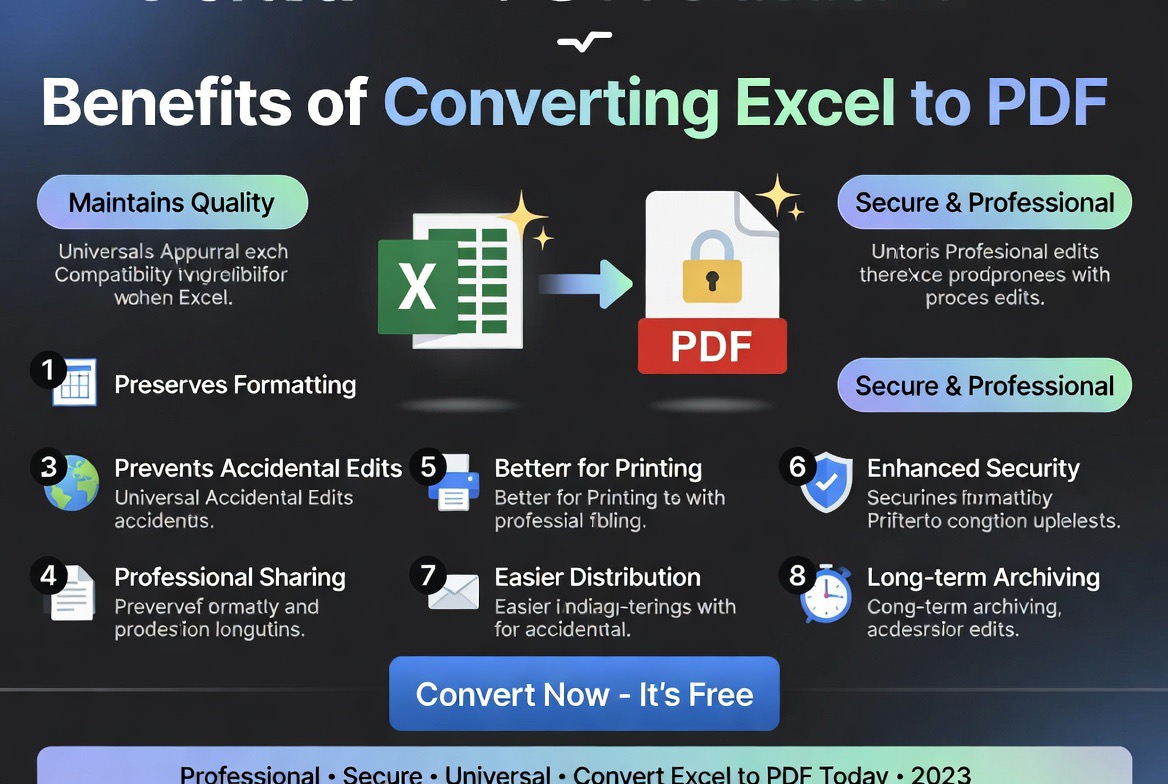
1. Preserve Spreadsheet Formatting
PDF files maintain your tables, fonts, charts, page breaks, and spreadsheet layout exactly as intended.
2. Create Professional Reports
Businesses often convert spreadsheets into PDFs before sharing reports with customers, managers, or stakeholders.
3. Prevent Accidental Changes
PDF documents are harder to modify accidentally, making them useful for finalized records and official documents.
4. Improve Compatibility
PDF files can be opened on almost any device without requiring spreadsheet software.
5. Make Printing Easier
PDF documents provide more predictable printing results compared to editable spreadsheets.
Who Uses Excel to PDF Converters?
- Accountants
- Business owners
- Financial analysts
- Students
- Project managers
- Sales teams
- Administrative staff
- Researchers
- Small businesses
Anyone who creates spreadsheets and needs to distribute them professionally can benefit from Excel to PDF conversion.
Common Excel to PDF Use Cases
Financial Reports
Businesses convert budgets, expense reports, and financial statements into PDFs for easier sharing and review.
Invoices and Quotations
Many organizations create invoices in Excel and convert them into PDF format before sending them to customers.
Schedules and Planning Documents
Timetables, calendars, project schedules, and planning sheets are often converted into PDFs for distribution.
Data Reports
Analysts convert spreadsheets into PDFs when sharing finalized results with clients or management.
Academic Documents
Students and educators often convert spreadsheet assignments and research tables into PDF submissions.
Expert Analysis: Why Excel to PDF Is Important
Based on our evaluation of everyday document workflows, Excel to PDF conversion solves a common problem: keeping spreadsheet appearance consistent after sharing.
A spreadsheet may look perfect on the creator’s computer but appear different on another device because of software versions, missing fonts, page settings, or display differences.
Converting to PDF creates a fixed version that protects the final presentation of the document.
For collaborative work, Excel remains the better format. For finalized reports and distribution, PDF is usually the better choice.
Excel to PDF vs Sharing XLSX Files
| Factor | XLSX | |
|---|---|---|
| Layout Protection | Excellent | Moderate |
| Editing | Limited | Excellent |
| Printing | Excellent | Good |
| Professional Sharing | Excellent | Good |
| Data Analysis | Limited | Excellent |
When Should You Use PDF Instead of Excel?
PDF is usually the better option when:
- The spreadsheet is finalized.
- You are sending documents to clients.
- You need consistent printing.
- You want to prevent accidental edits.
- You are submitting official documents.
- You need universal viewing compatibility.
Keep the Excel version when you still need calculations, formulas, or future updates.
Security and Privacy Considerations
PDF files created from spreadsheets may contain business records, financial information, or sensitive data.
Use trusted online conversion tools that securely process documents and remove uploaded files after completion.
Best Uses for an Excel to PDF Converter
- Financial reports and statements
- Invoices and quotations
- Project schedules
- Sales reports
- Inventory spreadsheets
- Business dashboards
- Academic research tables
- Budget planning documents
- Payroll reports
- Performance analytics reports
Learn more about document protection in our guide:
Are Online PDF Tools Safe?
Related PDF Tools
- PDF to Excel Converter
- PDF to Word Converter
- Compress PDF Online
- Merge PDF Online
- Free PDF Tools Comparison
- Best Free PDF Tools
Frequently Asked Questions
Is Excel to PDF conversion free?
Yes. You can convert XLS and XLSX spreadsheets into PDF files for free.
Will my spreadsheet formatting be preserved?
Yes. Tables, fonts, charts, and layouts are preserved whenever possible.
Can I convert XLSX files?
Yes. Both XLS and XLSX spreadsheet formats are supported.
Can I convert Excel files on my phone?
Yes. The converter works on mobile devices, tablets, and desktop computers.
Does converting remove formulas?
PDF files display spreadsheet results but do not preserve editable Excel formulas.
Is Excel to PDF conversion safe?
Yes, when using trusted tools that securely process and remove uploaded documents.
Can I convert Excel to PDF without Microsoft Excel?
Yes. Online Excel to PDF converters work directly in your browser and do not require Microsoft Excel to be installed.
Can I convert multiple Excel sheets into one PDF?
Yes. Multi-sheet workbooks can be converted into a single PDF document while preserving sheet order and formatting.
Does Excel to PDF conversion preserve charts and tables?
Yes. Most Excel to PDF converters preserve tables, charts, cell formatting, and page layouts during conversion.
Can I convert Excel to PDF on mobile?
Yes. The tool works on Android phones, iPhones, tablets, laptops, and desktop computers.
Need to extract spreadsheet data later? Use our
PDF to Excel Converter.
Need to share reports securely? Try our
Protect PDF Tool.
Need smaller file sizes? Use our
Compress PDF Tool.
Final Thoughts
An Excel to PDF converter is a valuable productivity tool for businesses, professionals, and students who need to share spreadsheets in a consistent format.
Convert your Excel files into polished PDF documents for easier sharing, printing, and professional presentation.