

Convert PDF to PowerPoint Online Free (PDF to PPTX)
Free PDF to PowerPoint Converter
PDF to PowerPoint
Convert PDF documents into editable PowerPoint presentations.
Drag & drop files here or click to browse
PDF to PowerPoint Converter Online Free
Quick Answer:
A PDF to PowerPoint converter converts PDF files into editable PPTX presentations. It extracts text, images, charts, and layouts so users can update slides without rebuilding presentations manually.
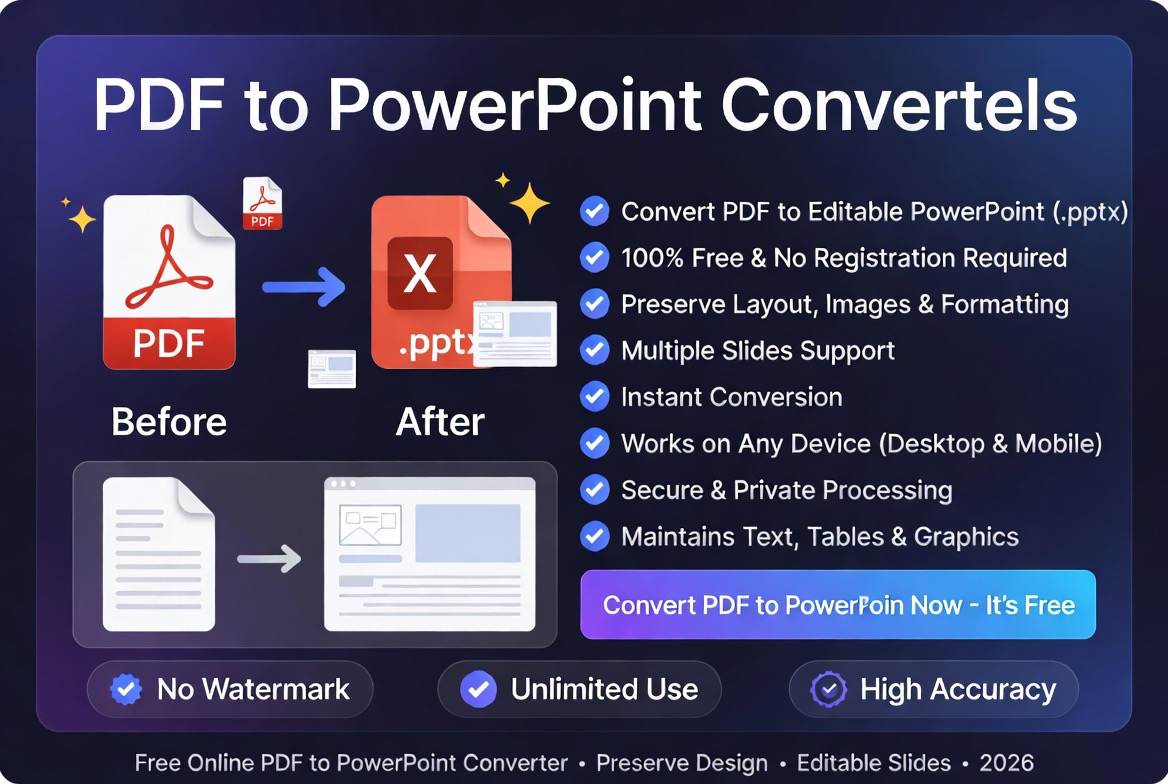
Need to convert PDF to PowerPoint? Our free PDF to PPTX converter helps you transform PDF documents into editable PowerPoint presentations while preserving text, images, tables, charts, and formatting.
Whether you’re updating a business presentation, editing training materials, revising sales decks, or repurposing educational content, converting PDF to PowerPoint can save hours of manual work.
If you’re comparing online PDF tools, check out our comprehensive guide to the best PDF tools in 2026.
Why Convert PDF to PowerPoint?
PDF files are excellent for sharing presentations because they preserve formatting across devices. However, PDFs are not designed for editing. Converting PDF to PowerPoint allows you to regain full editing capabilities and make changes directly within presentation software.
Common reasons users convert PDF to PPT include:
- Updating presentation content
- Editing slide designs and layouts
- Reusing training materials
- Creating client presentations
- Modifying sales decks
- Updating charts and statistics
- Adding new slides
- Repurposing educational content
Convert PDF to PPTX Online
A PDF and PPTX file serve different purposes. PDF is designed for sharing, while PPTX allows editing, collaboration, animations, and presentation customization.
- PDF to editable PowerPoint
- PDF to PPTX converter
- PDF presentation converter
- Convert PDF slides online
PDF vs PowerPoint: What’s the Difference?
| Feature | PowerPoint (PPTX) | |
|---|---|---|
| Editability | Limited | Fully Editable |
| Slide Design Editing | No | Yes |
| Animations | No | Yes |
| Collaboration | Limited | Excellent |
| Presentation Mode | Basic | Advanced |
| Content Updates | Difficult | Easy |
PDF files are ideal for distributing finalized presentations, while PowerPoint presentations are designed for editing, collaboration, and presenting.
How to Convert PDF to PowerPoint Online
Converting PDF files into editable PowerPoint presentations is simple:
- Upload your PDF file.
- Click the Convert button.
- Wait while the file is processed.
- Download your PPTX presentation.
- Open the file in Microsoft PowerPoint or compatible software.
No software installation is required. Everything works directly in your browser.
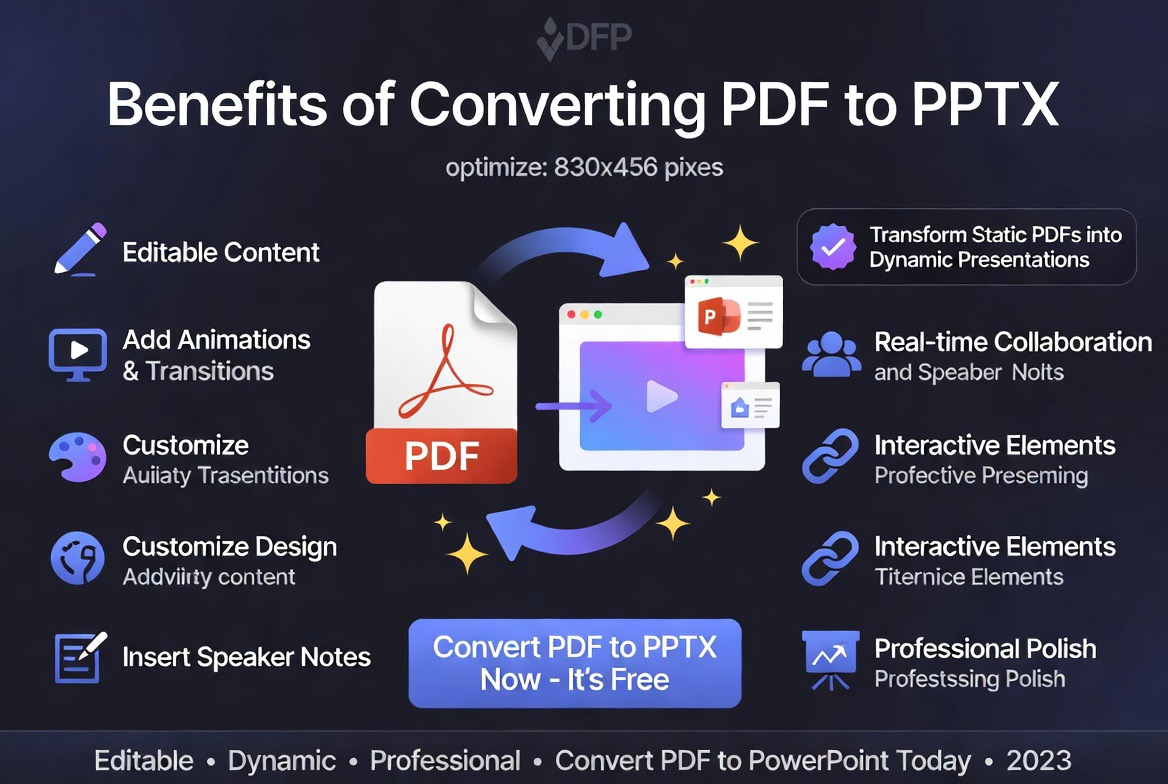
Benefits of Converting PDF to PPTX
1. Edit Existing Presentations
Instead of recreating slides manually, you can quickly modify existing content after conversion.
2. Save Valuable Time
Organizations often receive presentations as PDFs. Converting them back into PPTX format eliminates the need to rebuild slides from scratch.
3. Update Data and Statistics
Business reports, sales presentations, and educational materials often require regular updates. Editable PowerPoint files make those updates much easier.
4. Improve Collaboration
Teams can review, edit, and enhance presentations together using PowerPoint’s collaboration features.
5. Reuse Existing Content
Convert archived PDF presentations into editable slide decks for future projects and presentations.
Who Uses PDF to PowerPoint Converters?
- Business professionals
- Sales teams
- Marketing departments
- Consultants
- Educators and trainers
- Students
- Project managers
- Corporate communications teams
Any professional who regularly works with presentations can benefit from converting PDF documents into editable PowerPoint files.
Common Use Cases
Business Presentations
Update company reports, quarterly reviews, investor presentations, and executive summaries without recreating slides.
Sales Decks
Modify pricing information, product details, and customer case studies while preserving the original presentation structure.
Training Materials
Organizations frequently convert PDF training manuals into PowerPoint presentations for workshops and employee onboarding sessions.
Educational Content
Teachers, instructors, and students can convert lecture materials into editable presentations for classroom use.
Expert Analysis: Is PDF to PowerPoint Worth Using?
Based on our evaluation of modern PDF conversion workflows, PDF to PowerPoint tools provide significant productivity benefits when presentation editing is required.
Many users mistakenly attempt to recreate presentation slides manually after receiving PDFs. In most cases, converting the PDF into PPTX format first is dramatically faster and reduces formatting inconsistencies.
For presentations that contain charts, diagrams, tables, and structured layouts, PDF to PowerPoint conversion can save hours of work while preserving much of the original design.
However, highly complex presentations containing advanced animations, embedded media, or custom transitions may require additional adjustments after conversion.
PDF to PowerPoint vs Manual Recreation
| Factor | PDF Conversion | Manual Recreation |
|---|---|---|
| Speed | Fast | Slow |
| Formatting Retention | Good | Depends on User |
| Effort Required | Low | High |
| Cost | Usually Free | Time Intensive |
| Scalability | Excellent | Poor |
Security and Privacy Considerations
When converting presentation files online, choose tools that securely process uploads and automatically remove files after conversion.
You can learn more about file privacy in our guide: Are Online PDF Tools Safe?
Related PDF Tools
- Convert PDF to Word
- Convert PDF to Excel
- Compress PDF Online
- Convert PDF Documents Online
- Free PDF Tools Comparison
- Best Free PDF Tools
- AI vs Traditional PDF Tools
- Smallpdf Alternatives
- iLovePDF Alternatives
- Quickly convert PDF files into fully editable PPTX slides
Frequently Asked Questions
Is PDF to PowerPoint conversion free?
Yes. You can convert PDF files into editable PPTX presentations for free using our online converter.
Will my slides remain editable?
Yes. The generated PPTX file can be edited in Microsoft PowerPoint and other compatible presentation software.
Can I convert scanned PDFs?
Scanned PDFs may require OCR technology for accurate text extraction and editing.
Does conversion preserve images and charts?
Most images, tables, and presentation elements are preserved whenever possible during conversion.
Can I open the PPTX file in Google Slides?
Yes. Most PPTX files can be uploaded and edited in Google Slides.
Is my uploaded file secure?
Files are processed securely and should be automatically removed after conversion according to the platform’s retention policy.
Final Thoughts
A PDF to PowerPoint converter is one of the most useful productivity tools for professionals, educators, marketers, and students. Instead of rebuilding presentations manually, you can transform PDF files into editable PPTX presentations within seconds.
Use the free converter above to convert PDF files into editable PowerPoint presentations while preserving layouts, text, images, charts, and presentation structure.