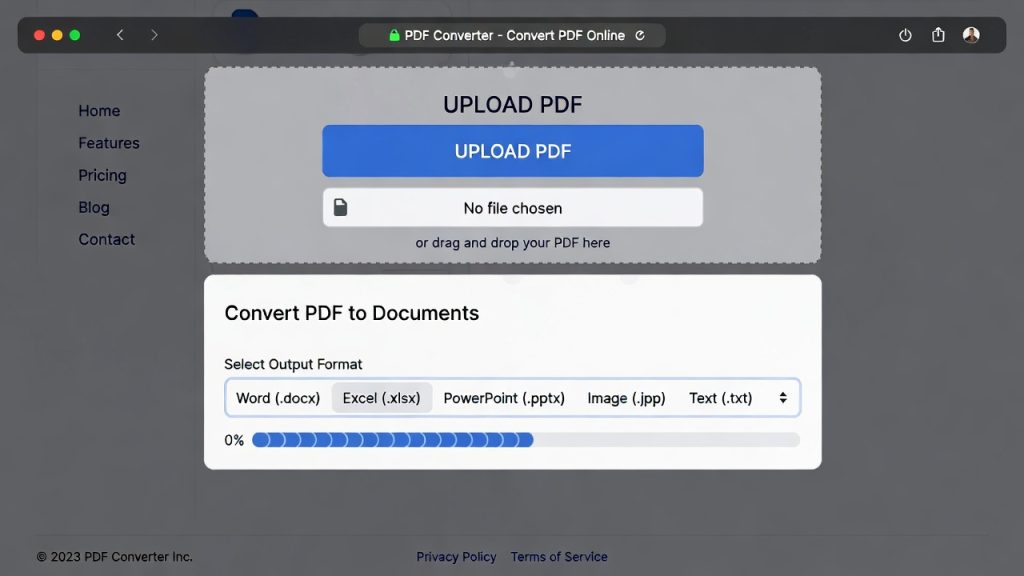
ILovePDF Alternative: Fast & Free PDF Tools That Beat ILovePDF in 2026
Introduction
Many students, remote workers, and freelancers rely on ILovePDF to manage PDFs, but some common limitations prompt the search for an ILovePDF alternative:
Limited free usage per day
Required signup for batch processing
Slow browser performance for large files
This guide compares ILovePDF with top alternatives, emphasizing PDFImageTools, a fast, free, browser-first tool for merging, compressing, and converting PDFs without signup.

Convert PDF to Word Online Free
Why Users Look for ILovePDF Alternatives
ILovePDF is popular, but:
Time-sensitive workflows: Students and remote workers need faster PDF processing
Privacy concerns: Signing up or storing files in the cloud can worry some users
Feature limitations: Batch processing and certain conversions may be locked behind a paid plan
A modern alternative should address these issues: speed, privacy, browser-first accessibility, and full functionality for free.
Comparison Table: ILovePDF vs Alternatives
| Feature | ILovePDF | PDFImageTools | SmallPDF | PDF Candy |
|---|---|---|---|---|
| Merge PDFs | ✅ | ✅ | ✅ | ✅ |
| Compress PDFs | ✅ | ✅ | ✅ | ✅ |
| PDF → Word | ✅ | ✅ | ✅ | ✅ |
| PDF → Excel | ✅ | ✅ | ✅ | ✅ |
| Browser-only | ✅ | ✅ | ✅ | ✅ |
| No signup required | ❌ | ✅ | ❌ | ❌ |
| Processing speed | Medium | Fast | Medium | Medium |
| Privacy-focused | Medium | High | Medium | Medium |
Observation: PDFImageTools outperforms ILovePDF for speed and privacy while maintaining all core PDF functions.
Why PDFImageTools Stands Out
Browser-first: Works on any device, no installation required
No account needed: Start merging, compressing, or converting immediately
Fast processing: Handles large PDFs in seconds
Privacy-focused: Files automatically deleted after processing
Step-by-Step Example: Merge PDFs in Seconds
Upload multiple PDF files
Click Merge PDFs
Download merged PDF instantly
Time saved: 5–10 seconds per workflow compared to ILovePDF’s signup-required process.
Detailed Comparison of Features
Merge PDFs
ILovePDF: Requires free account for batch files
PDFImageTools: Browser-first, merge unlimited PDFs
SmallPDF: Limited daily usage
PDF Candy: Batch limited without signup
Compress PDFs
ILovePDF: Compress quality options available
PDFImageTools: Fast compression, high-quality output
SmallPDF: Limited free daily
PDF Candy: Average speed
PDF Conversions
PDF → Word / Excel / PPT
PDFImageTools preserves formatting better in browser-first workflow
AI-based suggestions not needed for routine edits
Real Use Case Scenarios
Scenario 1: Student needs to merge multiple assignment PDFs → PDFImageTools in seconds.
Scenario 2: Freelancer compressing invoices → avoids ILovePDF signup delays.
Scenario 3: Remote worker converting PDF to Word for report editing → PDFImageTools browser workflow saves time.
Security & Privacy Comparison
| Tool | File Retention | Encryption | Signup Required |
|---|---|---|---|
| ILovePDF | Temporary | ✅ HTTPS | ✅ |
| PDFImageTools | Automatic deletion | ✅ HTTPS | ❌ |
| SmallPDF | Temporary | ✅ HTTPS | ✅ |
| PDF Candy | Temporary | ✅ HTTPS | ❌ |
Observation: PDFImageTools provides strongest privacy without requiring user accounts.
About the Author
This article references tools tested by our editorial team at PDFImageTools, focusing on speed, privacy, and browser-first PDF workflows for students, freelancers, and remote workers.
Related Reading:
• 25 Free Websites Every Student Should Bookmark
• AI Developer Skills 2026
• AI Tools Transforming Software Jobs
• Enterprise AI Adoption

Leave a reply