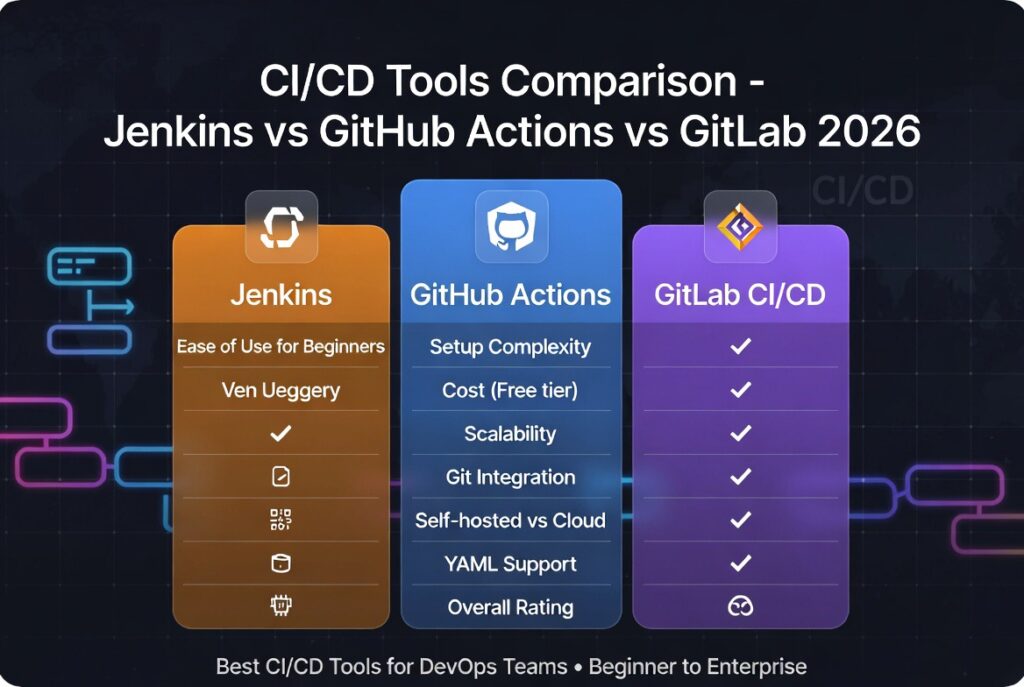
CI CD Tools Comparison: Jenkins vs GitHub Actions vs GitLab
CI CD tools comparison is essential for developers and DevOps teams choosing the right platform for continuous integration and continuous deployment workflows. With multiple tools available, selecting the best one depends on flexibility, pricing, integrations, and ease of use.
In this guide, we provide a detailed ci cd tools comparison of three leading platforms: Jenkins, GitHub Actions, and GitLab CI/CD.

If you’re new to DevOps, start with our
best devops tools for beginners guide.
Top CI/CD Tools in This CI CD Tools Comparison
This ci cd tools comparison focuses on three widely used platforms:
Jenkins
Jenkins is an open-source automation server known for its flexibility and extensive plugin ecosystem.
GitHub Actions
GitHub Actions is a modern CI/CD solution integrated directly into GitHub repositories.
GitLab CI/CD
GitLab CI/CD is part of the GitLab platform, offering a complete DevOps lifecycle solution.
CI CD Tools Comparison Overview
| Feature | Jenkins | GitHub Actions | GitLab CI/CD |
|---|---|---|---|
| Ease of Use | Moderate | Easy | Easy |
| Pricing | Free | Free + Paid | Free + Paid |
| Flexibility | Very High | High | High |
| Integration | Extensive | Native GitHub | Native GitLab |
CI CD Tools Comparison: Ease of Use
Ease of use is a critical factor in this ci cd tools comparison. Developers prefer tools that reduce setup time and complexity.
GitHub Actions and GitLab CI/CD are easier to set up because they are integrated into their respective platforms. Jenkins, while powerful, requires manual configuration and maintenance.
CI CD Tools Comparison: Pricing
Pricing varies across platforms:
- Jenkins: Completely free (self-hosted)
- GitHub Actions: Free tier with usage-based pricing
- GitLab CI/CD: Free tier with premium plans
This makes Jenkins attractive for teams with limited budgets, while GitHub Actions and GitLab provide convenience and scalability.
CI CD Tools Comparison: Flexibility
Jenkins leads in flexibility due to its plugin ecosystem. It supports almost any workflow and integrates with numerous tools.
GitHub Actions and GitLab CI/CD offer predefined workflows, making them easier to use but slightly less flexible compared to Jenkins.
CI CD Tools Comparison: Integration
Integration capabilities are essential in any ci cd tools comparison.
- Jenkins integrates with nearly everything
- GitHub Actions works seamlessly with GitHub repositories
- GitLab CI/CD integrates tightly with GitLab ecosystem
The best choice depends on your existing development environment.
When to Choose Jenkins
Choose Jenkins if you need:
- maximum flexibility
- custom workflows
- open-source control
When to Choose GitHub Actions
Choose GitHub Actions if you:
- use GitHub repositories
- want easy setup
- need fast automation
When to Choose GitLab CI/CD
Choose GitLab CI/CD if you:
- want an all-in-one DevOps platform
- prefer built-in CI/CD pipelines
- use GitLab ecosystem
Best Use Cases for Each Tool
- Jenkins → enterprise workflows
- GitHub Actions → startups and small teams
- GitLab CI/CD → integrated DevOps environments
For a deeper breakdown, read our
Jenkins vs GitHub Actions comparison.
How to Choose the Right CI/CD Tool
Selecting the right tool in this ci cd tools comparison depends on your team’s needs:
- project complexity
- team experience
- budget
- existing tools
Explore the full ecosystem in our
devops automation tools guide.
🚀 Download DevOps CI/CD Roadmap
Want to master CI/CD workflows? Download our free roadmap and learn how to build production-ready pipelines.
Conclusion
This ci cd tools comparison shows that there is no one-size-fits-all solution. Jenkins offers unmatched flexibility, GitHub Actions provides ease of use, and GitLab CI/CD delivers an integrated DevOps experience.
The best tool depends on your workflow, team size, and infrastructure needs.
FAQ
Which CI/CD tool is best?
GitHub Actions is best for ease of use, Jenkins for flexibility, and GitLab CI/CD for integrated workflows.
Is Jenkins better than GitHub Actions?
Jenkins is more flexible, but GitHub Actions is easier to use and faster to set up.
Are CI/CD tools free?
Many CI/CD tools offer free tiers, but advanced features may require paid plans.

Leave a reply