Jenkins vs GitHub Actions Comparison: Which CI/CD Tool Wins?
Jenkins vs GitHub Actions comparison is one of the most important decisions developers and DevOps teams face when choosing a CI/CD platform. Both tools automate software delivery, but they differ in usability, scalability, and ecosystem.
As modern development shifts toward automation, selecting the right tool directly impacts productivity, deployment speed, and system reliability. This guide breaks down everything you need to know.

If you’re new to automation, start with our
devops automation tools guide.
What Is Jenkins
Jenkins is an open-source automation server widely used for building, testing, and deploying software. It has been a cornerstone of DevOps workflows for years and supports thousands of plugins.
With Jenkins, teams can create highly customized CI/CD pipelines tailored to complex enterprise environments.
Key Features of Jenkins
- open-source and free
- massive plugin ecosystem
- highly customizable pipelines
- supports complex enterprise workflows
Learn more on the official site:
Jenkins Official Website
What Is GitHub Actions
GitHub Actions is a cloud-based CI/CD platform integrated directly into GitHub. It allows developers to automate workflows directly from their repositories.
Unlike Jenkins, GitHub Actions requires minimal setup and is designed for modern development teams.
Key Features of GitHub Actions
- native GitHub integration
- simple YAML-based workflows
- built-in CI/CD pipelines
- cloud-hosted runners
Explore more:
GitHub Actions Documentation
Jenkins vs GitHub Actions Comparison
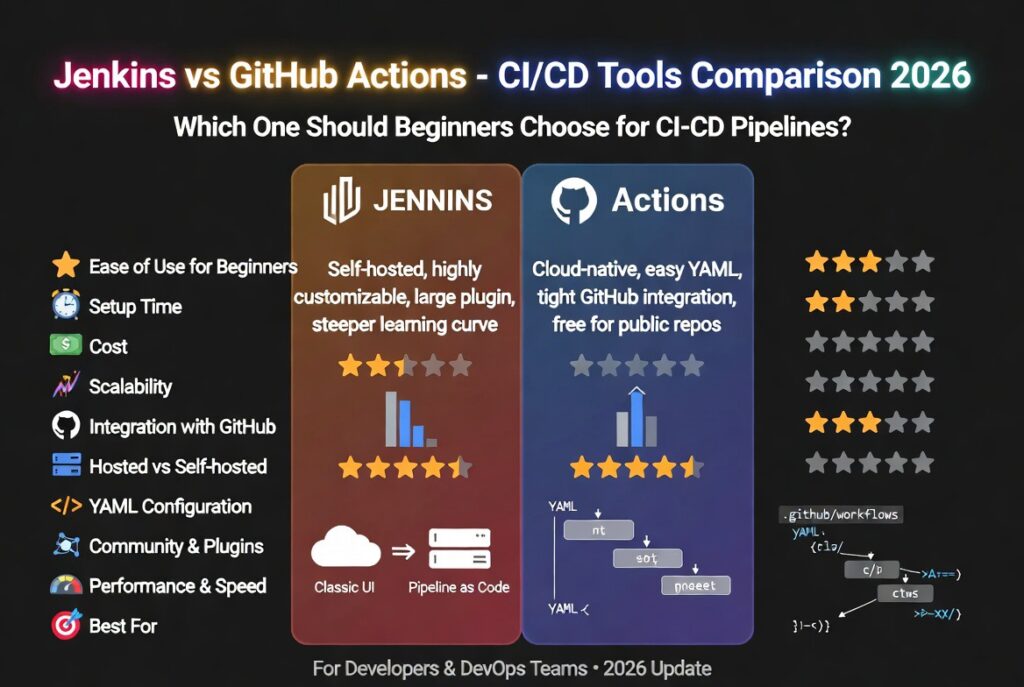
This jenkins vs github actions comparison highlights the key differences that matter when choosing the right CI/CD tool.
| Feature | Jenkins | GitHub Actions |
|---|---|---|
| Ease of Use | Complex setup | Beginner-friendly |
| Hosting | Self-hosted | Cloud-based |
| Customization | Very high | Moderate |
| Integration | Plugins required | Native GitHub |
| Pricing | Free (infra cost applies) | Free + Paid tiers |
Ease of Use Comparison
GitHub Actions is significantly easier to set up compared to Jenkins. Developers can create workflows using simple YAML files without managing servers.
Jenkins, on the other hand, requires installation, configuration, and maintenance. While powerful, it has a steeper learning curve.
Flexibility and Customization
Jenkins wins in flexibility. Its plugin ecosystem allows developers to build highly customized pipelines for any use case.
GitHub Actions is more opinionated but easier to manage. It works best for standard workflows and GitHub-centric projects.
Performance and Scalability
Jenkins offers better control over infrastructure, allowing teams to scale based on their needs. However, this requires manual setup.
GitHub Actions scales automatically using cloud runners, making it ideal for teams that want minimal infrastructure management.
Pricing Comparison
Jenkins is free to use, but infrastructure costs can add up depending on your setup.
GitHub Actions offers a free tier with usage limits and paid plans for larger workloads.
Security Considerations
Jenkins requires teams to manage their own security, including updates and access control.
GitHub Actions provides built-in security features, but users must still manage secrets and permissions carefully.
Use Case Scenarios
When to Use Jenkins
- enterprise-scale applications
- complex CI/CD pipelines
- custom infrastructure requirements
- legacy system integration
When to Use GitHub Actions
- small to medium projects
- GitHub-based workflows
- quick setup requirements
- cloud-native applications
Developer Experience
GitHub Actions offers a smoother developer experience with built-in integrations and automation.
Jenkins provides more control but requires more effort to manage and maintain.
Which One Should You Choose
The right choice depends on your needs:
- Choose Jenkins for flexibility and enterprise-grade pipelines
- Choose GitHub Actions for simplicity and fast setup
Most modern teams are adopting GitHub Actions due to ease of use, while large enterprises still rely on Jenkins.
Explore the full ecosystem in our
best devops tools for beginners guide.
Download Free DevOps Roadmap
Get a complete DevOps roadmap covering CI/CD, automation, and cloud deployment strategies.
Future of CI/CD Tools
The future of CI/CD is shifting toward AI-driven automation and serverless workflows. Tools will become more intelligent, automatically optimizing pipelines and reducing manual configuration.
Both Jenkins and GitHub Actions are evolving to support these trends, but cloud-native tools are gaining faster adoption.
Conclusion
This jenkins vs github actions comparison shows that both tools are powerful but serve different needs. Jenkins offers unmatched flexibility, while GitHub Actions delivers simplicity and speed.
Choosing the right tool depends on your workflow, team size, and infrastructure requirements.
FAQ
Which is better, Jenkins or GitHub Actions?
GitHub Actions is better for simplicity and quick setup, while Jenkins is ideal for complex and highly customized pipelines.
Is Jenkins still relevant in 2026?
Yes, Jenkins remains widely used in enterprise environments due to its flexibility and plugin ecosystem.
Is GitHub Actions free?
GitHub Actions offers a free tier with usage limits, while paid plans are available for larger workloads.

Leave a reply