

Merge PDF Online Free – Combine Multiple PDF Files
Merge PDF
Combine multiple PDF files into a single document.
Drag & drop files here or click to browse
Merge PDF Online Free – Combine PDF Files Into One Document
Merge PDF online free with our secure PDF merger. Combine multiple PDF files into one document while preserving page order, formatting, images, and text. No software installation, registration, or technical skills required.
Merge PDF Online: Quick Answer
A PDF merger combines two or more PDF files into a single document while preserving page order, formatting, images, and text quality. Merging PDFs makes documents easier to organize, share, print, archive, and manage across devices. Most online PDF merge tools allow users to upload files, arrange pages, and download a combined PDF in seconds.
Need to combine multiple PDF files into one document? Our free PDF merger lets you merge PDF documents online quickly without installing additional software.
Whether you are combining invoices, reports, scanned documents, contracts, application files, or presentation materials, merging PDFs helps keep important information organized in a single file.
For more useful document tools, explore our guide to the best PDF tools in 2026.
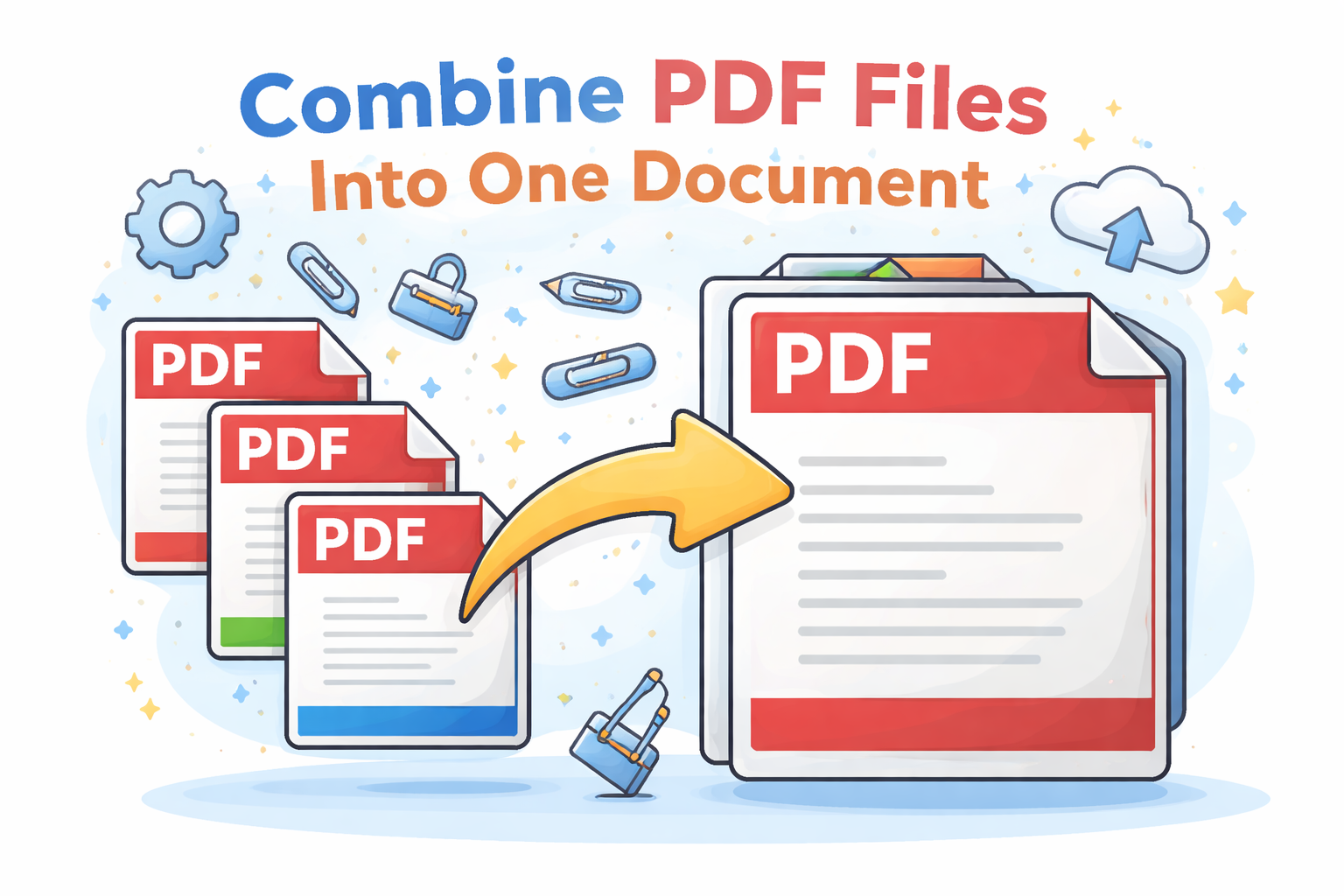
How to Merge PDF Files Without Losing Formatting
A quality PDF merger preserves the original layout, fonts, images, hyperlinks, and page structure of each uploaded file. When merging PDFs, the content from every document is combined into a single file without modifying the original formatting.
This is especially important for contracts, reports, invoices, presentations, academic documents, and scanned PDFs where layout consistency matters.
Why Merge PDF Files?
PDF is one of the most popular document formats because it preserves layouts and works across different devices. However, important information is often stored across multiple PDF files.
Combining PDFs creates one organized document that is easier to manage, share, print, and archive.
Common reasons people merge PDF files include:
- Combining scanned pages
- Creating complete reports
- Joining business documents
- Preparing application files
- Merging invoices and receipts
- Combining contracts and attachments
- Creating digital portfolios
- Organizing project documents
Separate PDFs vs One Combined PDF
| Feature | Multiple PDFs | Merged PDF |
|---|---|---|
| Organization | Separated Files | Single Document |
| Sharing | Multiple Attachments | One Attachment |
| Printing | Manual Process | Easier |
| Archiving | More Difficult | Simple |
| Management | Requires More Tracking | Centralized |
A merged PDF creates a cleaner workflow by bringing related documents together into one file.
How to Merge PDF Files Online
Combining PDF documents takes only a few steps:
- Upload multiple PDF files.
- Arrange files in your preferred order.
- Click the Merge button.
- Wait for processing to complete.
- Download your combined PDF document.
The process works directly in your browser without requiring desktop software.
Benefits of Combining PDF Documents
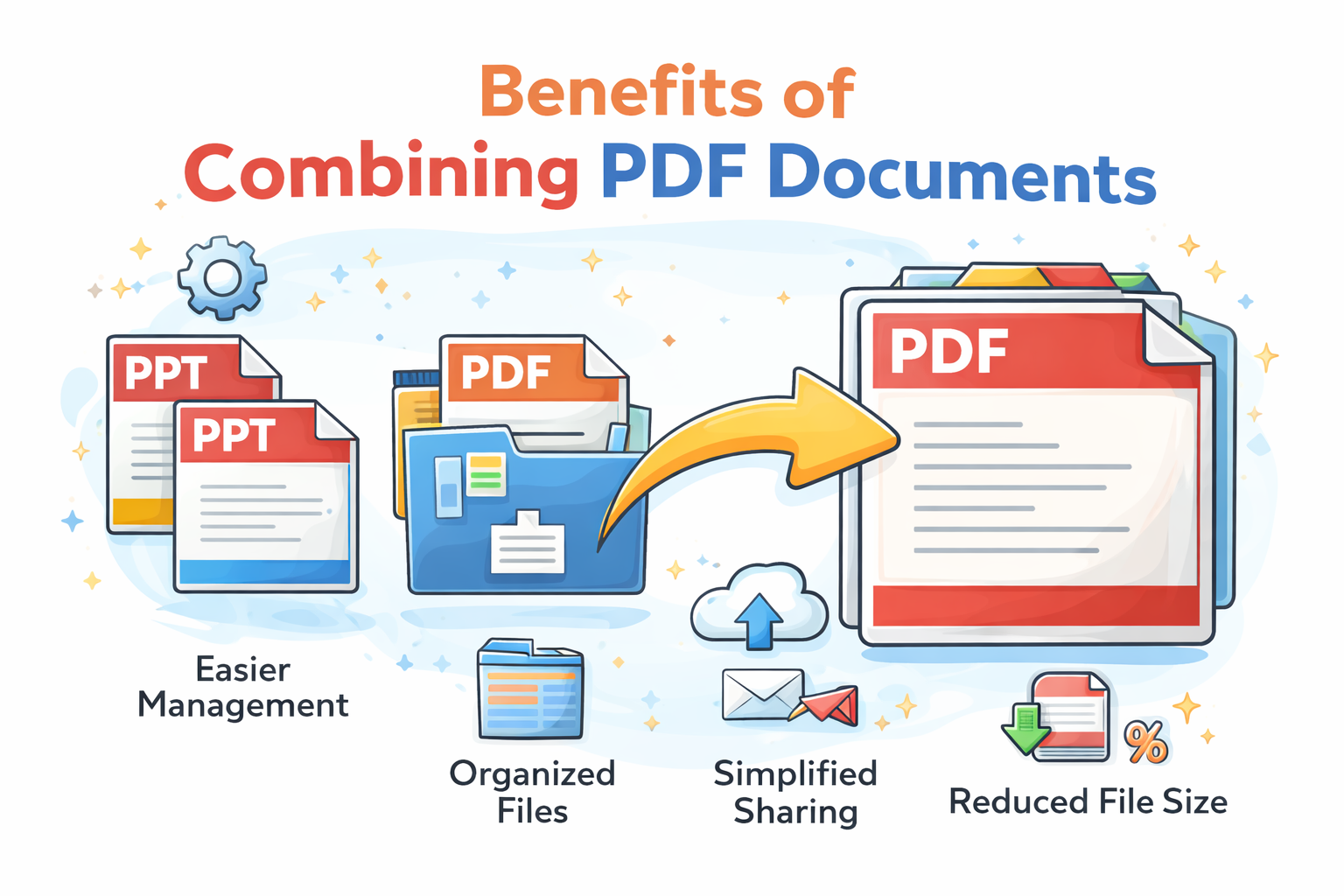
1. Better Document Organization
Instead of managing multiple related files, merging creates one complete document that is easier to find and use.
2. Easier Sharing
Sending one PDF attachment is often more convenient than sending several separate files.
3. Faster Printing
A combined PDF allows users to print an entire collection of documents without opening files individually.
4. Improved Workflow
Businesses and professionals can create complete reports, proposals, and document packages faster.
5. Cleaner Archives
Merged PDFs reduce clutter and make digital storage easier to manage.
Who Uses PDF Merge Tools?
- Businesses
- Students
- Accountants
- Legal professionals
- Administrators
- Freelancers
- Researchers
- Job applicants
- Government offices
Anyone working with multiple PDF documents can benefit from combining files into a single organized document.
Common PDF Merge Use Cases
Business Reports
Companies often combine cover pages, financial reports, charts, and supporting documents into one final PDF package.
Job Applications
Applicants may need to combine resumes, certificates, cover letters, and supporting documents into one PDF before submission.
Invoices and Receipts
Businesses can merge invoices and receipts into a single document for accounting and record keeping.
Contracts
Legal documents often include attachments and supporting files. Combining them creates a complete agreement package.
Educational Materials
Teachers and students can combine lessons, assignments, research papers, and reference materials.
Merge PDF vs Split PDF
| Feature | Merge PDF | Split PDF |
|---|---|---|
| Purpose | Combine multiple files | Separate pages into new files |
| Best For | Document organization | Removing or extracting pages |
| Output | One PDF document | Multiple PDF documents |
| Common Use Cases | Reports, applications, contracts | Extracting chapters or sections |
Expert Analysis: Why PDF Merging Improves Productivity
Based on our evaluation of common document workflows, PDF merging is a simple feature that creates significant productivity improvements.
Many people spend unnecessary time opening, renaming, and organizing multiple PDF files. Combining related documents reduces friction and makes information easier to access.
For professional workflows, a single well-organized PDF is usually more useful than a collection of separate files.
However, documents should only be merged when they belong together. Keeping unrelated files separate can make future searching and management harder.
Merge PDF vs Manual Copy and Paste
| Factor | PDF Merge | Manual Recreation |
|---|---|---|
| Speed | Seconds | Time Consuming |
| Formatting | Preserved | May Change |
| Effort | Low | High |
| Accuracy | High | Variable |
Merge PDF and File Management
PDF merging is often used together with other document tools. A common workflow is:
- Convert documents into PDF format.
- Merge related files together.
- Compress the final PDF.
- Share or archive the finished document.
You can also combine PDF merging with our other tools:
Security and Privacy Considerations
When merging documents online, always use trusted tools that securely process files and remove uploaded documents after completion.
This is especially important when combining contracts, financial records, personal documents, or confidential business files.
Learn more about document privacy in our guide: Are Online PDF Tools Safe?
Related PDF Tools
- PDF to Word Converter
- PDF to Excel Converter
- Compress PDF Online
- Convert PDF Documents Online
- Free PDF Tools Comparison
- Best Free PDF Tools
- AI vs Traditional PDF Tools
- Easily combine multiple PDF documents into a single file
- Convert PowerPoint to PDF Online
Frequently Asked Questions
Is merging PDF files free?
Yes. You can combine multiple PDF documents into one file for free.
Can I merge multiple PDF files?
Yes. You can upload and combine multiple PDF documents into a single PDF.
Will my pages stay in order?
Yes. You can arrange files before merging to control the final document order.
Does merging reduce PDF quality?
No. Merging combines files while preserving the original document quality.
Can I merge scanned PDFs?
Yes. Scanned documents can be combined into one PDF file.
Is PDF merging safe?
Yes, when using trusted online tools with secure processing and file removal practices.
Final Thoughts
A PDF merger is an essential productivity tool for organizing documents, simplifying sharing, and creating professional document packages.
Instead of managing multiple files, combine your PDFs into one organized document that is easier to store, send, and use.