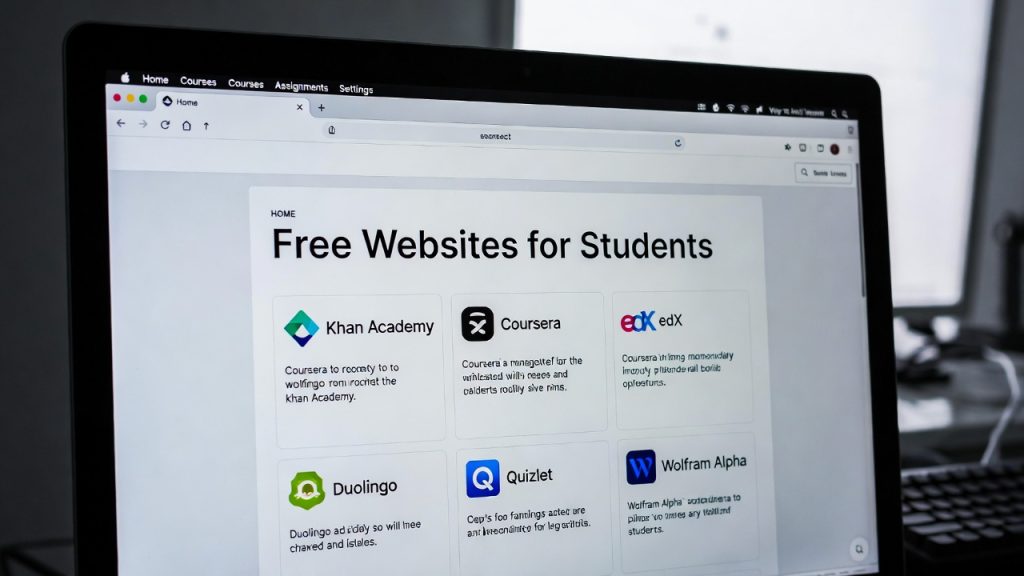
25 Free Websites Every Student Should Bookmark in 2026
Introduction
Free websites for students 2026 are game-changers in today’s digital learning landscape. As classes move increasingly online, hybrid, and AI-enhanced, students need reliable, no-cost browser-based tools to handle PDFs, organize notes, research efficiently, manage tasks, and create visuals without spending a dime or installing heavy software.
In 2026, the smartest students bookmark a curated set of free websites for students 2026 that streamline workflows and reduce stress. This comprehensive guide highlights 25 essential free websites for students 2026 — from powerhouse PDF managers like PDFImageTools to top learning platforms like Khan Academy. Whether you’re compressing files for email submission, building study guides, or collaborating on group projects, these tools help you reclaim hours every week for actual learning.
PDFImageTools stands out among free websites for students 2026 for its privacy-focused, fast PDF handling — perfect for assignments, lecture notes, and scanned documents.
In 2026, students are spending more time online than ever before. Knowing which websites to use can save hours of study time, improve productivity, and simplify digital workflows.
This guide lists 25 free websites every student should bookmark, including tools for PDFs, note-taking, image editing, research, and productivity. PDFImageTools features prominently as a go-to solution for managing PDF assignments efficiently.

1–5: PDF & Document Tools
1. PDFImageTools
Merge, compress, convert, edit, and secure PDFs directly in-browser
Completely free, no sign-up for basic use, automatic file deletion for privacy
Ideal for students: Shrink large reports, combine lecture slides, convert scans to editable formats
Key links: Merge PDFs, Compress PDFs, PDF to Word, Image to PDF
2. SmallPDF
Lightweight browser-based PDF editor, splitter, compressor, and converter
Free tier handles most student needs without watermarks on basic tasks
3. ILovePDF
Batch merge, compress, rotate, and protect PDFs
Great for handling multiple assignment files at once
4. PDF Candy
Strong OCR for turning scanned handwritten notes or textbook pages into searchable text
Free PDF to Office (Word, Excel, PowerPoint) conversions
5. Google Docs
Upload PDFs, convert to editable docs, collaborate in real-time
Built-in cloud storage and sharing for group work
6–10: Note-Taking & Productivity
6. Notion Free
Notes, databases, and team collaboration
All-in-one workspace
7. Evernote Basic
Organize notes, bookmarks, and research
8. Microsoft OneNote
Free digital notebook
Works across devices
9. Todoist Free
Task and homework management
Track deadlines
10. Trello Free
Visual task boards
Manage group projects efficiently
11–15: Study & Learning Resources
11. Khan Academy
Free lessons for all school subjects
12. Coursera Free Courses
Access introductory courses from top universities
13. edX Free Courses
MOOCs for skill development
14. Quizlet
Flashcards and study sets for exams
15. Wolfram Alpha
Solve math and science problems quickly
16–20: Writing & Research Tools
16. Grammarly Free
Grammar checking and writing improvement
17. Hemingway Editor
Improve readability of essays
18. Zotero
Reference management and bibliography generation
19. Google Scholar
Academic research search engine
20. Canva Free
21–25: Images & Media Tools
21. PDFImageTools Image Converter
22. PDFImageTools Remove Background
23. Unsplash
24. Pixlr Free
25. Loom Free
How These Websites Save Students Hours Every Week
PDF management → merge, compress, and convert assignments in seconds
Note-taking → organize ideas quickly
Study resources → instantly find lessons and references
Productivity → track tasks and deadlines
Visuals → prepare presentations without installing software
By bookmarking these sites, students spend less time searching for tools and more time focusing on learning.
Internal Linking Opportunities
Security & Privacy Tips for Students
Always use HTTPS-enabled websites
Avoid sites requesting unnecessary logins for simple tasks
Use privacy-focused tools for sensitive documents
PDFImageTools automatically deletes files after processing → safe for assignments
Future-Proof Your Digital Workflow
Bookmarking these tools ensures students are ready for 2026 digital workflows:
Mobile-first solutions
Browser-based productivity
AI-assisted study tools
Privacy-first PDF management
Keeping these sites organized saves time each semester and reduces last-minute stress.
Conclusion
These 25 free websites every student should bookmark in 2026 cover PDFs, notes, research, visuals, and productivity.
PDFImageTools stands out for document management, helping students merge, compress, and convert PDFs in seconds. Bookmarking these tools ensures faster workflows, improved grades, and less stress.
About the Author
This article references tools tested by our editorial team at PDFImageTools, focusing on student productivity, workflow optimization, and privacy-first browser-based solutions.
Related Reading:
• AI Replacing Software Developers
• AI Developer Skills 2026
• Fast & Free PDF Tools That Beat ILovePDF
• Enterprise AI Adoption

Leave a reply