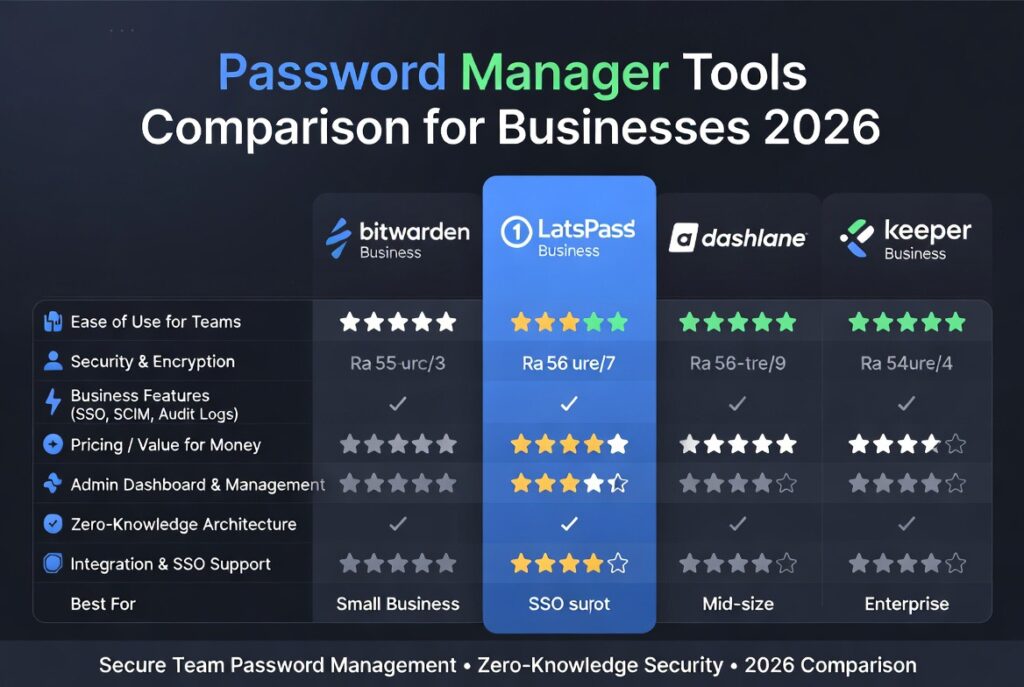
Password Manager Tools Comparison: Best Solutions for Businesses
Password manager tools comparison helps businesses evaluate secure credential management platforms that protect employee accounts, prevent breaches, and improve productivity. With cyberattacks increasingly targeting login credentials, choosing the right password manager is now a critical business decision.
Best Password Manager for Businesses (Quick Answer):
The best password manager tools for businesses in 2026 include 1Password for usability, Bitwarden for affordability, Dashlane for security monitoring, and Keeper for enterprise features. The right choice depends on team size, security needs, and budget.
If you’re building a complete security stack, explore our guide on
password security tools for small businesses.
You can also follow updates in
Tech News.
🔐 Best Password Managers for Businesses (Quick Picks)
- 1Password – Best for teams & security
- Dashlane – Best all-in-one solution
- LastPass – Best for ease of use
- Bitwarden – Best budget option
👉 Try 1Password for Business
👉 Get Dashlane Business
👉 Start LastPass
Why Password Manager Tools Matter for Businesses
Password-related breaches remain one of the most common cybersecurity incidents. Employees often reuse weak passwords or store them insecurely, increasing the risk of unauthorized access.
Password managers solve this by generating, storing, and autofilling strong credentials while giving administrators control over access.
Key benefits
- Eliminate password reuse
- Improve account security
- Enable secure credential sharing
- Centralize access management
- Support compliance requirements
Organizations following guidelines from
CISA
and
NIST
are increasingly adopting password managers as a baseline security control.
Top Password Manager Tools for Businesses
1. 1Password Business
Highly regarded for usability, security, and admin control. Ideal for teams that want a balance of simplicity and power.
2. Bitwarden Business
An open-source option offering excellent value. Popular among startups and cost-conscious teams.
3. Dashlane Business
Known for advanced features like dark web monitoring and VPN integration.
4. Keeper Business
Enterprise-focused with strong compliance features and security architecture.
5. LastPass Business
Widely used but has faced scrutiny in recent years. Still offers strong features for teams.
6. NordPass Business
A newer option focused on simplicity and modern encryption standards.
7. Zoho Vault
Budget-friendly solution integrated with the Zoho ecosystem.
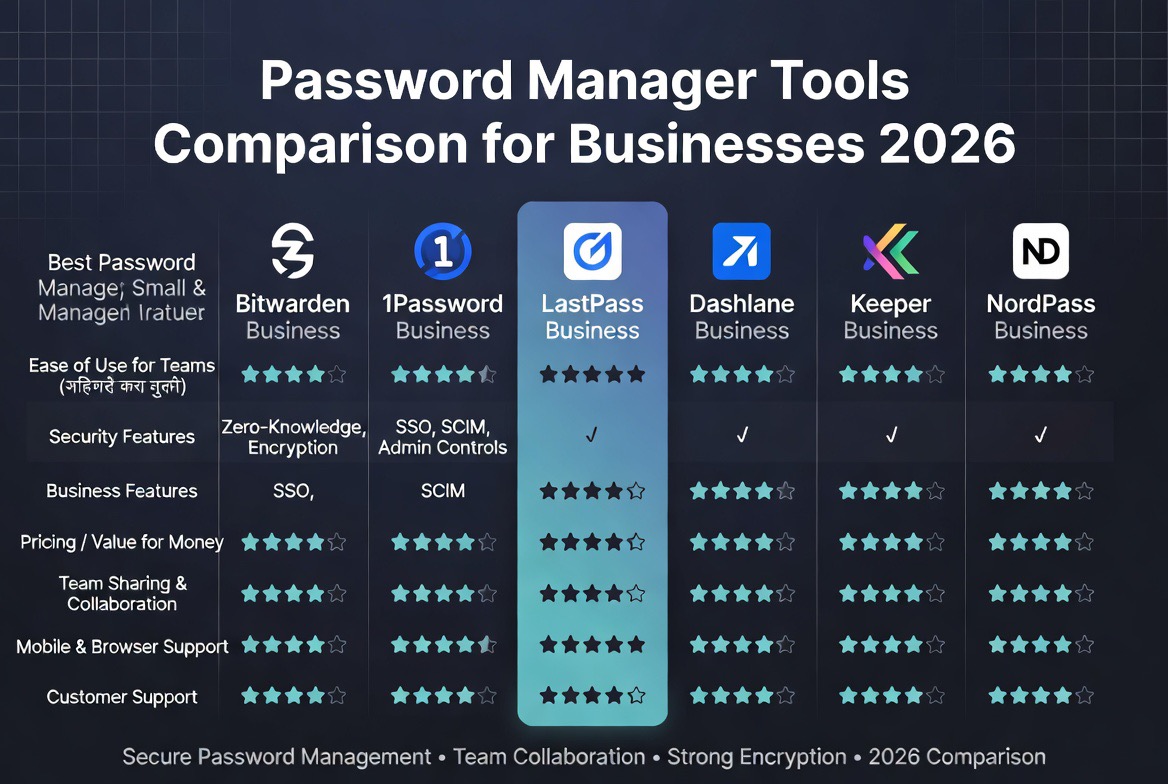
Password Manager Tools Comparison Table
| Tool | Best For | Pricing | Key Strength |
|---|---|---|---|
| 1Password | Teams | $$ | Ease of use |
| Bitwarden | Startups | $ | Open-source + value |
| Dashlane | Security-focused | $$$ | Monitoring features |
| Keeper | Enterprise | $$$ | Compliance |
| LastPass | General use | $$ | Wide adoption |
| NordPass | Modern teams | $$ | Simple UI |
| Zoho Vault | Budget users | $ | Affordability |
Detailed Analysis and Expert Opinion (E-E-A-T)
From a practical standpoint, no single password manager is “best” for every business. The right choice depends heavily on operational needs and security maturity.
In real-world deployments, usability often matters more than raw features. Teams that struggle to adopt a tool will bypass it entirely, creating shadow IT risks. That’s why platforms like 1Password often outperform more complex tools despite having fewer enterprise features.
On the other hand, organizations in regulated industries may prioritize audit trails, compliance certifications, and access governance. In those cases, tools like Keeper or Dashlane may provide better long-term value.
Cost also plays a significant role. For startups and small teams, Bitwarden consistently stands out as one of the best value options without compromising core functionality.
The key insight: adoption + security balance matters more than feature count.
How to Choose the Right Password Manager
1. Team Size
Small teams may prioritize cost, while larger organizations need scalability.
2. Security Requirements
Look for zero-knowledge encryption, MFA support, and audit logs.
3. Ease of Use
Tools must be simple enough for non-technical employees.
4. Integration
Check compatibility with SSO providers and business apps.
5. Budget
Balance cost against potential breach risk.
Common Mistakes Businesses Make
- Choosing based on price alone
- Ignoring employee usability
- Skipping MFA integration
- Not enforcing usage policies
- Failing to audit access regularly
Download Free Security Setup Guide
Get a step-by-step checklist to implement password security, MFA, and access control in your business.
Decision Guide: Which Password Manager Should You Choose?
Choose 1Password if you want the best balance of usability and security.
Choose Bitwarden if you want the most affordable and flexible option.
Choose Dashlane if you want advanced monitoring and extra security tools.
Choose Keeper if you need enterprise-level compliance and controls.
Choose Zoho Vault if you’re on a tight budget and already use Zoho tools.
How Password Managers Work (Technical Breakdown)
Understanding how password manager tools work helps businesses make better security decisions. Most modern password managers use a zero-knowledge encryption model, meaning the provider cannot access your stored data.
When a user saves a password, it is encrypted locally on their device using a master key. Only the user has access to this key, which means even if the service provider is compromised, the stored credentials remain protected.
- End-to-end encryption protects stored credentials
- Master passwords control vault access
- Encryption keys are never shared with servers
- Secure syncing enables multi-device access
This architecture is why password managers are considered significantly safer than storing credentials in spreadsheets or browsers.
Password Manager vs Browser Password Storage
Many employees rely on browser-based password storage, but this approach has limitations compared to dedicated tools.
| Feature | Password Manager | Browser Storage |
|---|---|---|
| Encryption | Strong (zero-knowledge) | Basic |
| Cross-platform | Yes | Limited |
| Team sharing | Secure | Not supported |
| Admin control | Yes | No |
| Security audits | Available | Limited |
| Tool | Best For | Pricing | Action |
|---|---|---|---|
| 1Password | Teams & enterprises | Premium | Get Started |
| Dashlane | All-in-one security | Premium | View Plans |
| LastPass | Ease of use | Mid-range | Try Now |
| Bitwarden | Budget & open-source | Low cost | See Pricing |
For businesses, relying on browser storage alone introduces risk, especially when managing multiple users and sensitive systems.
Integration with Business Security Stack
Password managers should not operate in isolation. They are most effective when integrated into a broader cybersecurity strategy.
Modern organizations combine password managers with:
- Multi-factor authentication (MFA)
- Single sign-on (SSO)
- Endpoint security tools
- Email security systems
- Identity and access management (IAM)
This layered approach ensures that even if one security control fails, others continue to protect the system.
For a complete setup, explore our guide on
cybersecurity tools for small businesses.
Password Manager Adoption Strategy for Teams
One of the biggest challenges businesses face is not choosing a password manager — it’s getting employees to actually use it consistently.
A successful rollout typically includes:
- Employee onboarding and training
- Mandatory password manager usage policy
- Integration with existing workflows
- Enforced MFA across all accounts
- Regular audits and compliance checks
Without adoption, even the best tool becomes ineffective.
📘 Free Cybersecurity Checklist for Businesses
Download our Security Checklist PDF to protect your business from password breaches, phishing, and data leaks.
Or download instantly:
Download PDF
Real-World Business Use Cases
Password manager tools are used across different industries to solve real security challenges.
1. Remote Teams
Securely share credentials across distributed teams without exposing passwords in messages or documents.
2. SaaS Companies
Manage developer access to production systems, APIs, and databases.
3. Agencies
Store and manage client credentials securely while maintaining separation between accounts.
4. E-commerce Businesses
Protect admin dashboards, payment systems, and customer data platforms.
Security Risks Password Managers Help Prevent
Implementing password manager tools significantly reduces exposure to common threats:
- Credential stuffing attacks
- Phishing-based password theft
- Insider threats from shared credentials
- Data breaches due to weak passwords
According to
Verizon Data Breach Investigations Report
, compromised credentials remain a leading cause of breaches worldwide.
Future Trends in Password Management
Password management is evolving beyond traditional credentials.
Key trends include:
- Passkeys replacing passwords
- Biometric authentication (fingerprint, face ID)
- Hardware security keys
- AI-driven threat detection
While passwordless authentication is gaining traction, password managers will remain essential for managing legacy systems and hybrid environments.
Advanced Features to Look For
When comparing password manager tools, advanced features can provide long-term value.
- Role-based access control
- Audit logs and reporting
- Dark web monitoring
- Secure password sharing
- Emergency access recovery
These features become especially important as your organization scales.
Final Expert Insight
From an implementation perspective, the biggest mistake businesses make is underestimating the human factor. Even the most secure system fails if employees bypass it for convenience.
The most successful deployments prioritize usability, enforce policies, and integrate password management into daily workflows.
In practice, a slightly less powerful tool that employees actually use is far more effective than a complex system that gets ignored.
Conclusion
This password manager tools comparison shows that businesses have multiple strong options in 2026. The best solution is not necessarily the most expensive or feature-rich, but the one your team will consistently use.
By combining a password manager with MFA and access controls, businesses can significantly reduce the risk of credential-based attacks.
🔥 Best Password Manager Deals (Updated 2026)
- ✔ 1Password – Free trial for teams
- ✔ Dashlane – Business discounts available
- ✔ LastPass – Affordable starter plans
- ✔ Bitwarden – Free + low-cost premium
FAQ
What is the best password manager for businesses?
1Password, Bitwarden, and Dashlane are among the best options depending on business needs and budget.
Are password managers safe for businesses?
Yes, modern password managers use strong encryption and zero-knowledge architecture to protect credentials.
Do password managers support teams?
Yes, business password managers include team sharing, admin controls, and audit features.
Is a password manager enough for security?
No, businesses should also use multi-factor authentication and access control tools for full protection.
Ready to Secure Your Business?
If you want enterprise-grade security, go with 1Password.
If you want simplicity + automation, choose Dashlane.
If you’re starting out, try Bitwarden.

Leave a reply