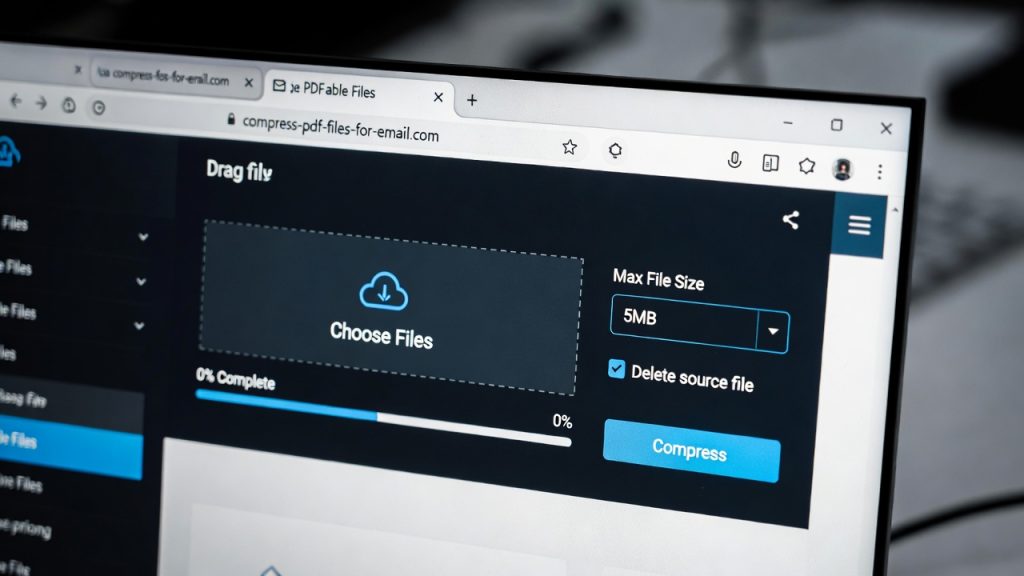
How Students Can Compress PDF Files for Email and Assignments (Free Methods)
Introduction
Compress pdf files for email has become one of the most common challenges students face when submitting assignments online. Universities, teachers, and scholarship portals often limit upload sizes, causing large PDFs to fail during submission.
The good news is that modern browser tools allow students to reduce PDF size instantly — without installing software or losing document quality.
This guide explains simple, free methods students can use to compress files quickly on any device.
Why Students Need to Compress PDF Files in 2026
Digital learning has changed how assignments are submitted.
Students regularly upload:
Research papers
Scanned handwritten notes
Lab reports
Presentation documents
Application forms
These files often exceed email or portal limits such as:
5MB email attachment limits
10MB LMS upload restrictions
Scholarship submission caps
Learning how to compress pdf files for email ensures assignments submit successfully the first time.

Convert PDF to Word Online Free
What Makes PDF Files So Large?
Many students assume text causes large file sizes — but the real reason is images.
Common causes include:
High-resolution scanned pages
Embedded photos
Exported slides with graphics
Multiple combined documents
Even a short assignment can become large if scanned using phone cameras.
How to Compress PDF Files for Email (Step-by-Step)
Follow this simple workflow.
Step 1: Open a Free PDF Compressor
Use a browser-based compressor:
👉 https://pdfimagetools.app/compress-pdf
This free PDF tool works instantly without registration.
Step 2: Upload Your Assignment
Click Upload File and select your PDF.
Tips for students:
Upload final version only
Close unused browser tabs for faster upload
Use Wi-Fi if file is large
Step 3: Automatic Compression Begins
The tool reduces file size by:
Optimizing images
Removing unnecessary metadata
Recompressing embedded assets
Processing usually takes only a few seconds.
Step 4: Download the Smaller File
After compression:
Download optimized PDF
Check new file size
Attach to email or upload portal
Most files shrink by 50–80% without noticeable quality loss.
Real Student Example
Scenario:
A student scans a 12-page assignment using a phone.
Original file size: 18MB
University limit: 5MB
After using an online compressor:
Final file size: 3.2MB
Submission succeeds instantly.
Best Compression Settings for Assignments
When trying to compress pdf files for email, balance quality and size.
Recommended Settings
| Use Case | Compression Level |
|---|---|
| Email submission | Medium |
| LMS upload | Medium–High |
| Printing later | Low compression |
| Scholarship forms | Medium |
Avoid extreme compression unless necessary.
Advantages of Online PDF Compression
Students increasingly prefer browser tools because they offer:
✅ No installation
✅ Works on school computers
✅ Mobile-friendly
✅ Fast processing
✅ Free access
This removes technical barriers for non-technical users.
Common Mistakes Students Make
Uploading Photos Instead of PDFs
Always convert images first:
https://pdfimagetools.app/image-to-pdf
Combining Files Before Compressing
Compress AFTER merging documents for best results.
You can combine PDFs here:
https://pdfimagetools.app/combine-pdfs
Compressing Multiple Times
Repeated compression reduces quality unnecessarily.
Compress once using a reliable tool.
Is It Safe to Compress PDFs Online?
Security matters when uploading academic work.
Trusted tools provide:
Encrypted uploads
Temporary file storage
Automatic deletion after processing
No account requirements
Always avoid tools asking for unnecessary permissions.
For more details, read our guide on online PDF safety (internal link).
How Much Can Compression Reduce File Size?
Typical results:
| Original Size | After Compression |
|---|---|
| 20MB | 4–6MB |
| 10MB | 2–3MB |
| 5MB | 1–2MB |
Results vary depending on image content inside the PDF.
Devices Students Can Use
You can compress pdf files for email on:
Android phones
iPhones
Tablets
School computers
Public library systems
No installation required.
Productivity Tips for Students
Save time every semester with this workflow:
Combine assignment pages
Compress final PDF
Rename file properly
Submit once
This prevents last-minute upload failures.
Why Online PDF Tools Are Growing Among Students
Education is becoming fully digital.
Students need tools that are:
Fast
Free
Accessible anywhere
Simple to use
Browser PDF tools meet all these needs without learning complex software.
Internal Learning Resources
You may also find helpful:
Our comparison of best free PDF tools 2026
Step-by-step guide to combine PDF online
Productivity tools for remote learning (Tech News category)
(Add internal links before publishing.)
Future of Student Document Workflows
By 2026 and beyond, expect:
AI-assisted document cleanup
Automatic file optimization
Mobile-first assignment workflows
Faster browser processing
But simple compression tools will remain essential because submission limits are unlikely to disappear.
Conclusion
Knowing how to compress pdf files for email is an essential digital skill for students today. With free browser tools, assignments can be optimized in seconds without sacrificing quality or installing software.
Mastering this workflow ensures smoother submissions, fewer upload errors, and less stress before deadlines.
About the Author
This article references tools tested by our editorial team at PDFImageTools, focusing on speed, usability, and privacy-first document workflows.
Related Reading:
• AI Replacing Software Developers
• AI Developer Skills 2026
• AI Tools Transforming Software Jobs
• Enterprise AI Adoption

Leave a reply