

Convert Image to PDF Online Free (JPG & PNG to PDF)
Image to PDF
Convert JPG, PNG and other image formats into PDF files.
Drag & drop files here or click to browse
Image to PDF Converter – Convert JPG, PNG & JPEG to PDF Online Free
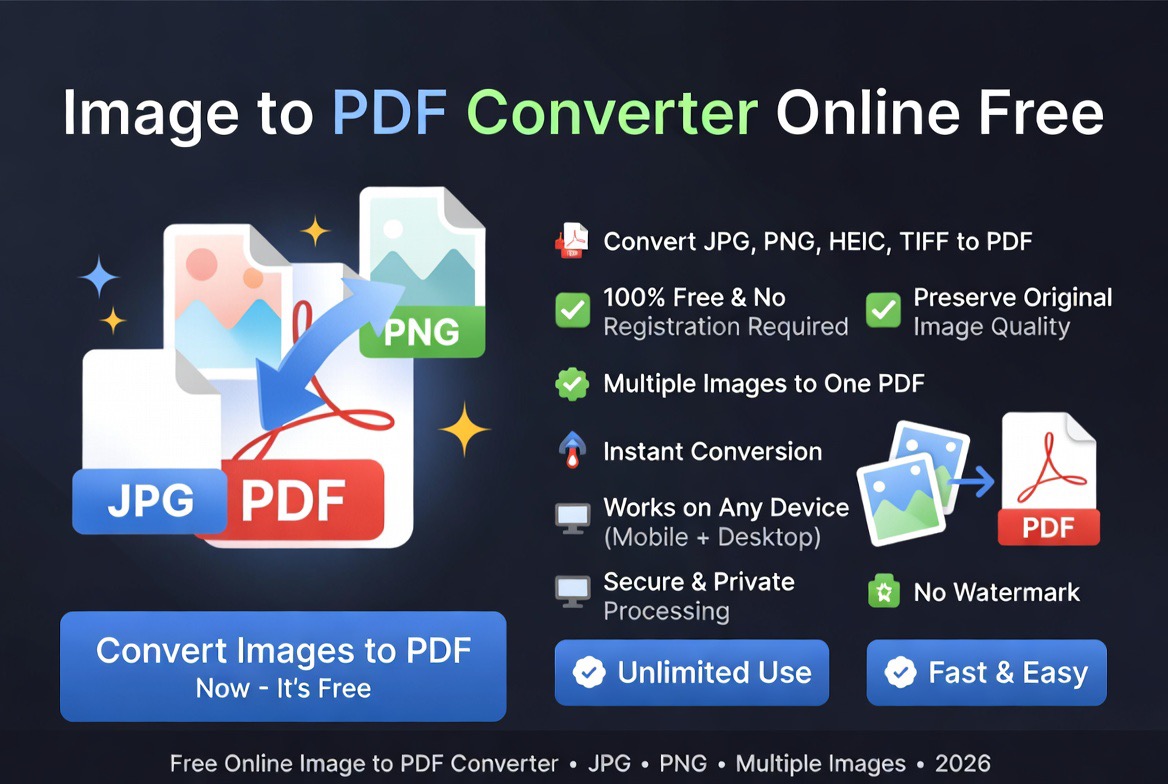
Use our free image to PDF converter to convert JPG, JPEG, PNG, BMP, and other image files into high-quality PDF documents online. Combine multiple images into a single PDF, organize pages, and create professional documents in seconds without installing software.
Need to convert images into a PDF file? Our free image to PDF converter helps you turn JPG, JPEG, PNG, and other image formats into professional PDF documents quickly.
Whether you are creating scanned documents, combining photos, preparing application files, or saving images for printing, converting images to PDF creates a cleaner and more universal format.
For more document productivity tools, explore our guide to the best PDF tools in 2026.
Why Convert Images to PDF?
Images are useful for sharing visual information, but managing many separate image files can become difficult. A PDF document allows multiple images to be combined into one organized file.
PDF files are also easier to print, archive, submit, and view consistently across devices.
Common reasons users convert images to PDF include:
- Combining multiple photos
- Creating scanned documents
- Submitting online applications
- Sharing image collections
- Creating digital records
- Printing documents
- Archiving receipts and documents
- Creating professional files
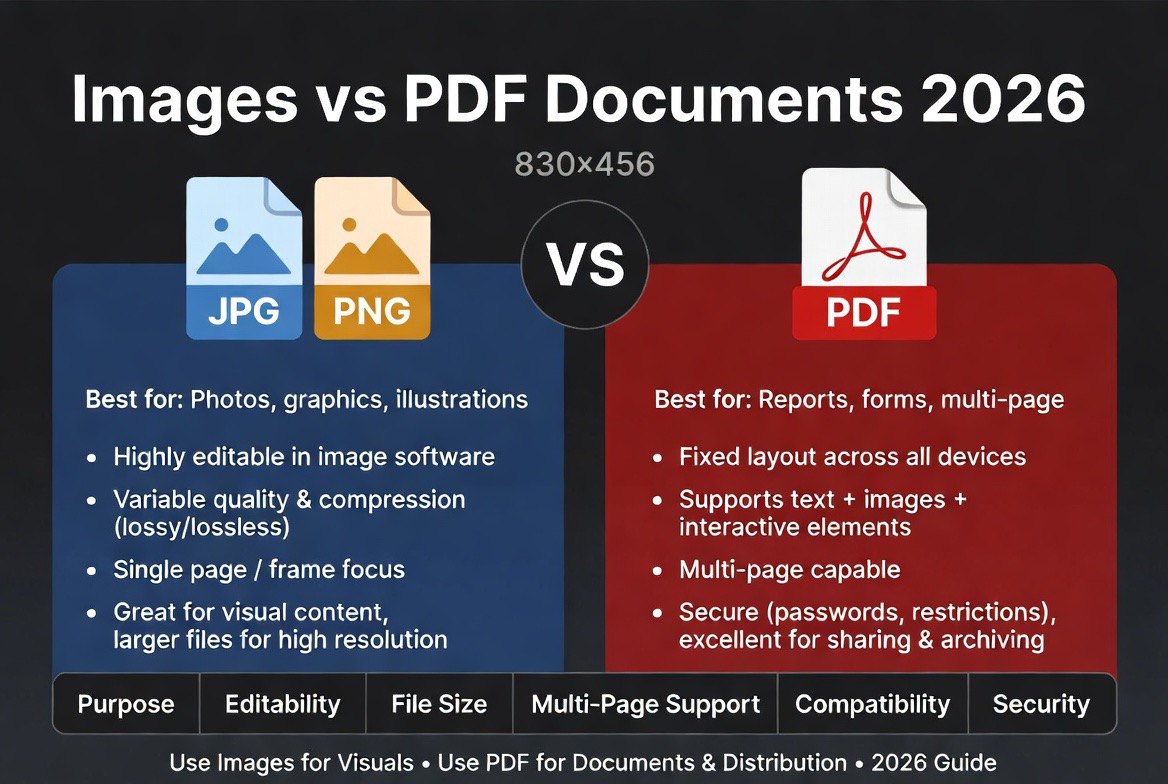
Images vs PDF Documents
| Feature | Image Files | |
|---|---|---|
| Multiple Pages | Separate Files | Single Document |
| Organization | Manual | Centralized |
| Printing | Good | Excellent |
| Sharing | Multiple Attachments | One File |
| Compatibility | Good | Universal |
Images are excellent for individual pictures, while PDF is better for documents containing multiple pages or related visual content.
How to Convert Images to PDF Online
Turning images into a PDF document takes only a few steps:
- Upload your JPG, JPEG, PNG, or supported image files.
- Arrange images in the preferred order.
- Click the Convert button.
- Wait for processing to complete.
- Download your PDF document.
How to Convert JPG to PDF in Seconds
- Upload your JPG, JPEG, or PNG images.
- Arrange the images in the correct order.
- Click Convert to PDF.
- Wait for processing to complete.
- Download your new PDF file.
The conversion works directly in your browser and requires no software installation.
The process works directly in your browser without requiring image editing software.
Benefits of Converting Images to PDF
1. Combine Multiple Images
Instead of sending several separate images, you can combine them into one organized PDF file.
2. Easier Sharing
A single PDF attachment is often easier to send than many individual image files.
3. Better Document Management
PDF files make it easier to store related images together as one document.
4. Professional Presentation
PDF format provides a cleaner way to present photos, scans, screenshots, and visual documents.
5. Improved Printing
PDF documents provide predictable printing results across different devices.
Supported Image Formats
Our image to PDF converter supports popular image formats including:
- JPG to PDF
- JPEG to PDF
- PNG to PDF
- BMP to PDF
- WEBP to PDF
- GIF to PDF
Multiple image formats can be combined into a single PDF document.
Who Uses Image to PDF Converters?
- Students
- Businesses
- Photographers
- Designers
- Researchers
- Administrators
- Job applicants
- Freelancers
- Small businesses
Anyone working with image files can benefit from converting them into a structured PDF document.
Common Image to PDF Use Cases
Scanned Documents
Many scanned papers are saved as images. Converting them into PDF creates a more practical document format.
Online Applications
Many application platforms request documents in PDF format. Images can be combined into one PDF before submission.
For more guidance, read our article on the best file format for online applications.
Receipts and Records
Businesses and individuals can combine receipt images into PDF files for easier storage and tracking.
Photo Collections
Multiple images can be organized into a single PDF album or presentation document.
Educational Materials
Teachers and students can combine screenshots, diagrams, and images into one PDF resource.
Expert Analysis: Why Image to PDF Conversion Matters
Based on our evaluation of everyday file workflows, image to PDF conversion solves a common organization problem.
Images are often created quickly through cameras, scanners, and screenshots, but they are not always the best format for sharing official documents.
PDF provides structure by placing images into a fixed document format that is easier to archive, print, and distribute.
However, users should choose the right format based on the purpose. Images are better for visual editing, while PDFs are better for finalized documents.
JPG vs PNG vs PDF
| Format | Best Use | Main Advantage |
|---|---|---|
| JPG | Photos | Small file size |
| PNG | Graphics and Screenshots | High quality |
| Documents | Multi-page organization |
Choosing the correct format depends on whether you need editing, sharing, storage, or printing.
Image to PDF vs Keeping Separate Images
| Factor | Separate Images | |
|---|---|---|
| Organization | Excellent | Manual |
| Sharing | Simple | Multiple Files |
| Printing | Excellent | Variable |
| Archiving | Better | Less Convenient |
Security and Privacy Considerations
Images may contain sensitive information such as identity documents, receipts, screenshots, and personal records.
Use trusted conversion tools that securely process files and remove uploaded documents after completion.
Learn more about online file privacy:
Are Online PDF Tools Safe?
Related PDF Tools
- PDF to JPG Converter
- PDF to Word Converter
- Compress PDF Online
- Merge PDF Online
- Free PDF Tools Comparison
- Best Free PDF Tools
- Quickly convert JPG, PNG, and other image formats into a single PDF file
When Should You Convert Images to PDF?
Image files are ideal for editing and sharing individual photos, but PDF documents are often preferred when submitting forms, storing records, printing documents, or sharing multiple images as a single file.
For business documents, applications, receipts, invoices, and scanned paperwork, PDF remains one of the most widely accepted file formats because it preserves layout and is supported across virtually all devices and operating systems.
Frequently Asked Questions
Is image to PDF conversion free?
Yes. You can convert JPG, JPEG, and PNG images into PDF files for free.
Can I convert multiple images into one PDF?
Yes. Multiple images can be combined into a single PDF document.
Which image formats are supported?
Common formats such as JPG, JPEG, and PNG are supported.
Will image quality be reduced?
The conversion process preserves image quality whenever possible.
Can I convert images on my phone?
Yes. The converter works on phones, tablets, and computers.
Is converting images to PDF safe?
Yes, when using trusted tools with secure processing and file deletion practices.
How do I convert a picture to PDF on my phone?
Upload your image using a mobile browser, convert it to PDF, and download the PDF file directly to your device.
Can I combine multiple JPG files into one PDF?
Yes. Multiple JPG, JPEG, or PNG images can be merged into a single PDF document while preserving page order.
Final Thoughts
An image to PDF converter is a simple but powerful tool for organizing photos, scans, and visual documents into a professional format.
Convert your images into PDF files to make sharing, printing, and document management easier.