

Free PDF to Word Converter Online – Convert PDF to Editable DOCX
PDF to Word
Convert PDF files into editable Word documents (.docx).
Drag & drop files here or click to browse
Convert PDF to Word Online Free – PDF to DOCX Converter
Quick Answer: What Does a PDF to Word Converter Do?
A PDF to Word converter changes a PDF file into an editable DOCX document. It extracts text, images, tables, and formatting so users can modify documents in Microsoft Word or other compatible editors.
A free PDF to Word converter makes it easy to transform locked PDF documents into editable Microsoft Word files. Instead of recreating documents manually, users can convert PDFs into DOCX format while keeping the original structure and content.
This online PDF converter is useful for students, professionals, businesses, and anyone who needs to edit PDF documents quickly without installing desktop software.
Need to edit a PDF document? Our free PDF to Word converter lets you convert PDF files into editable Microsoft Word documents in seconds. Upload your file, convert it online, and download a DOCX file that preserves formatting, images, tables, and text structure.
Whether you are updating a resume, editing a contract, modifying a report, or revising business documents, converting PDF to Word is one of the fastest ways to make changes without manually retyping content.
If you’re comparing different PDF utilities, see our comprehensive guide to Best PDF Tools for 2026.
free PDF tools comparison 2026
How Does a PDF to Word Converter Work?
PDF to Word conversion works by extracting document elements and rebuilding them in an editable DOCX format.
- The PDF file is uploaded securely
- The converter analyzes text, images, and layout
- The document structure is recreated
- The converted DOCX file is generated
- The user downloads the editable Word document
Why Convert PDF to Word?
PDF files are excellent for sharing and preserving document formatting, but they are often difficult to edit. Converting PDF to Word allows users to modify content, update information, change layouts, and collaborate more efficiently.
Common reasons people convert PDF documents include:
- Editing contracts and agreements
- Updating resumes and CVs
- Modifying reports and presentations
- Extracting text from PDFs
- Updating forms and applications
- Converting scanned documents for editing
- Reusing document templates
- Academic and research work
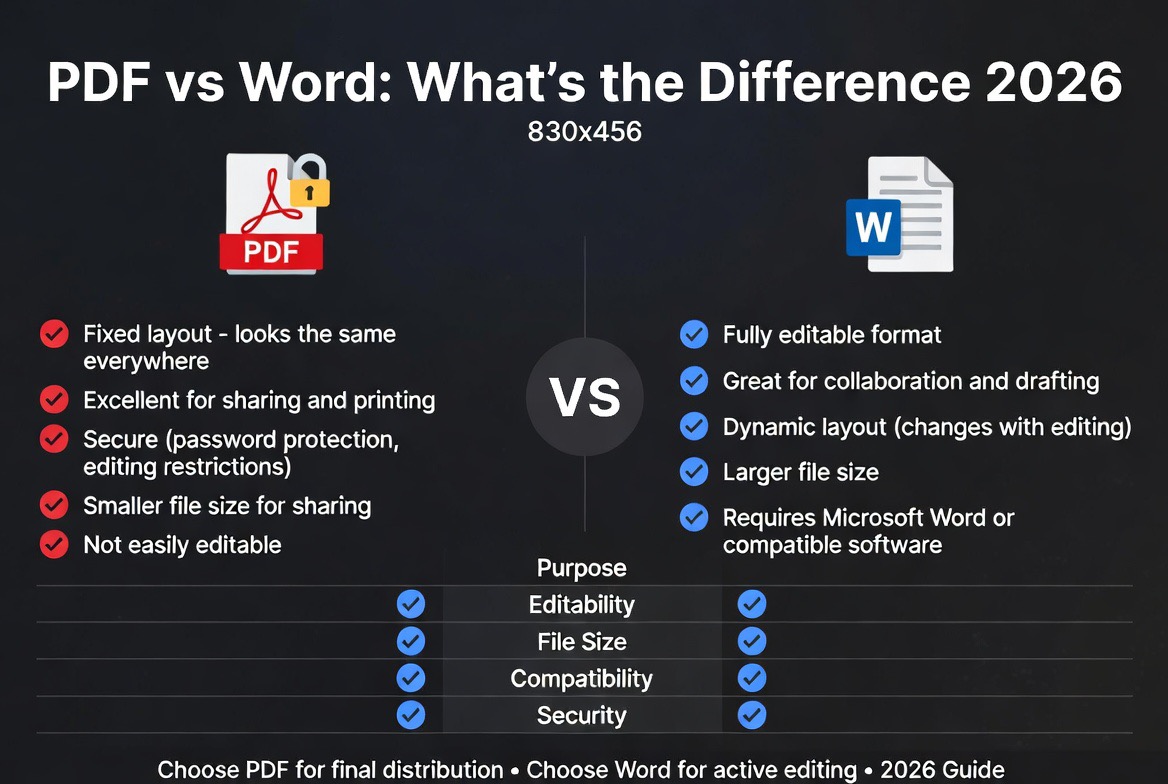
PDF vs Word (DOCX): Which File Format Is Better?
| Feature | Word (DOCX) | |
|---|---|---|
| Editability | Limited | Fully Editable |
| Formatting Preservation | Excellent | Good |
| Collaboration | Limited | Excellent |
| Universal Viewing | Excellent | Requires Compatible Software |
| File Sharing | Excellent | Good |
| Document Revision | Difficult | Easy |
PDF files are ideal for final document distribution, while Word documents are better suited for editing and collaboration. Many professionals convert PDFs into DOCX files when revisions are required.
How to Convert PDF to Word Online
Converting PDF documents to Word files takes only a few steps:
- Upload your PDF document.
- Click the Convert button.
- Wait for processing to complete.
- Download the editable DOCX file.
- Open the document in Microsoft Word or compatible software.
The process works directly in your browser without installing additional software.
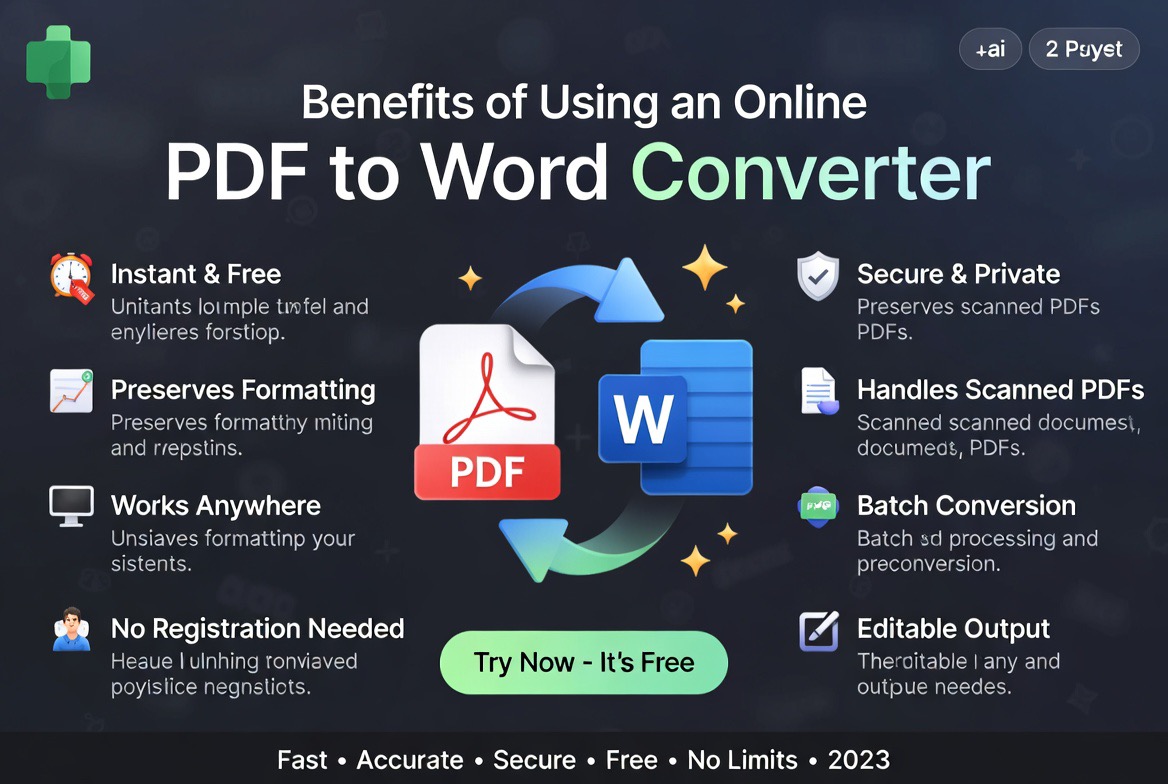
Benefits of Using an Online PDF to Word Converter
1. Save Time
Instead of manually recreating documents, conversion tools automatically extract text, formatting, images, and tables.
2. Improve Productivity
Teams can quickly edit contracts, reports, proposals, and forms without starting from scratch.
3. Maintain Formatting
Modern PDF conversion technology helps preserve document layouts, fonts, headings, and tables.
4. Access Anywhere
Browser-based tools work on Windows, Mac, Linux, Chromebooks, tablets, and smartphones.
5. No Software Installation
Online PDF converters eliminate the need for expensive desktop applications.
Free PDF to Word Converter vs Paid Software
| Feature | Online Converter | Desktop Software |
|---|---|---|
| Cost | Free or low cost | Usually paid |
| Installation | No installation | Required |
| Accessibility | Any device | Limited to installed devices |
| Updates | Automatic | Manual |
Who Uses PDF to Word Converters?
PDF to Word conversion is useful across many industries and professions.
- Students editing research papers
- Teachers updating educational materials
- Business professionals modifying reports
- HR departments editing employee documents
- Law firms updating contracts
- Freelancers revising client deliverables
- Government agencies managing forms
- Small businesses handling administrative paperwork
Expert Analysis: When Should You Convert PDF to Word?
Based on our testing of PDF workflows, document editing tools, and online conversion platforms, PDF to Word conversion provides the biggest productivity improvement when users need to modify existing documents. PDF to Word conversion is most valuable when document editing is required. Many users attempt to edit PDFs directly, which often introduces formatting issues and workflow inefficiencies.
In our experience reviewing online document tools, converting a PDF into DOCX first typically produces faster editing workflows, especially for resumes, proposals, business reports, manuals, and application forms.
However, if your goal is only viewing or sharing a document, keeping it in PDF format is usually the better choice because PDFs preserve formatting more consistently across devices.
For organizations handling large volumes of documents, combining PDF conversion with document compression and file management tools can significantly improve productivity.
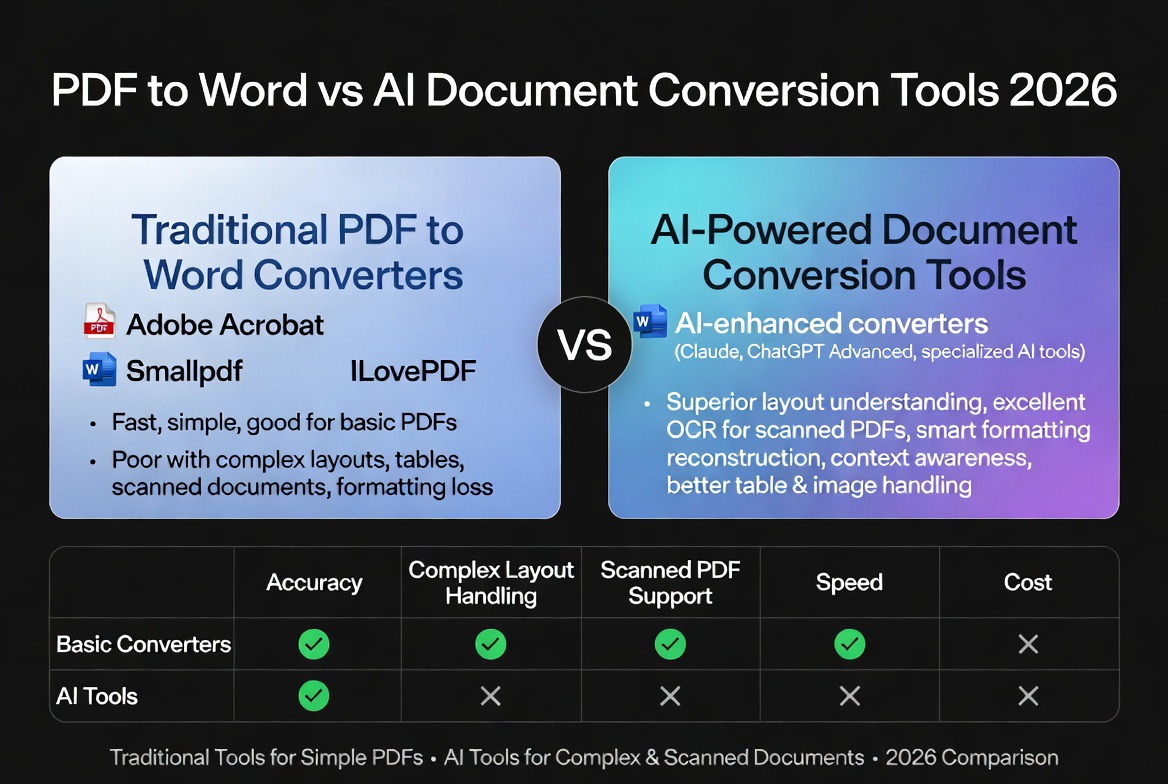
PDF to Word vs AI Document Conversion Tools
Modern AI-powered document processing tools can identify document structures, tables, and layouts more accurately than traditional conversion methods.
Learn more in our guide to AI vs Traditional PDF Tools.
| Feature | Traditional Converter | AI-Powered Converter |
|---|---|---|
| Basic Text Extraction | Excellent | Excellent |
| Table Recognition | Good | Better |
| Complex Layout Handling | Moderate | Strong |
| Scanned Document Support | Limited | Improved |
| Formatting Preservation | Good | Very Good |
Related PDF Tools
You may also find these PDF resources helpful:
- PDF to Word Converter Guide
- Compress PDF Online
- Combine PDF Online
- Convert PDF to Documents Online
- Free PDF Tools Comparison
- Best Free PDF Tools
- Smallpdf Alternatives
- iLovePDF Alternatives
- Are Online PDF Tools Safe?
- Best File Format for Online Applications
- Adobe PDF Reference
- Microsoft Word Documentation
Security and Privacy Considerations
When using online document converters, always choose reputable services that process files securely and automatically remove uploaded documents after conversion.
For a deeper look at document privacy and online file handling, read our article on online PDF tool safety.
Frequently Asked Questions
Is PDF to Word conversion free?
Yes. Our PDF to Word converter is completely free to use.
Will formatting be preserved?
Most formatting, images, tables, and text layouts are preserved during conversion.
Can I convert scanned PDFs?
Scanned PDFs may require OCR technology for accurate text extraction.
Do I need Microsoft Word?
No. Converted DOCX files can also be opened using compatible word processors such as Google Docs and LibreOffice.
Is it safe to convert PDF files online?
Yes, provided you use trusted services that securely process and remove uploaded files.
Can I convert large PDF files?
Most online converters support large files, although limits may vary depending on the service.
Does PDF to Word conversion work with images?
Yes. Most PDF converters can preserve images, tables, and document formatting during DOCX conversion.
Can I convert PDF to Word on mobile?
Yes. Online PDF to Word converters work on mobile browsers including Android and iOS devices.
Final Thoughts
A reliable PDF to Word converter can save hours of manual work by transforming static PDF documents into fully editable DOCX files. Whether you’re updating resumes, modifying reports, editing contracts, or managing business documents, converting PDF to Word remains one of the most practical document productivity tools available.
Use the free converter above to quickly transform PDFs into editable Word documents while preserving formatting, text, tables, and images.