AI Meeting Assistant Tools Review: Best Apps for Productivity
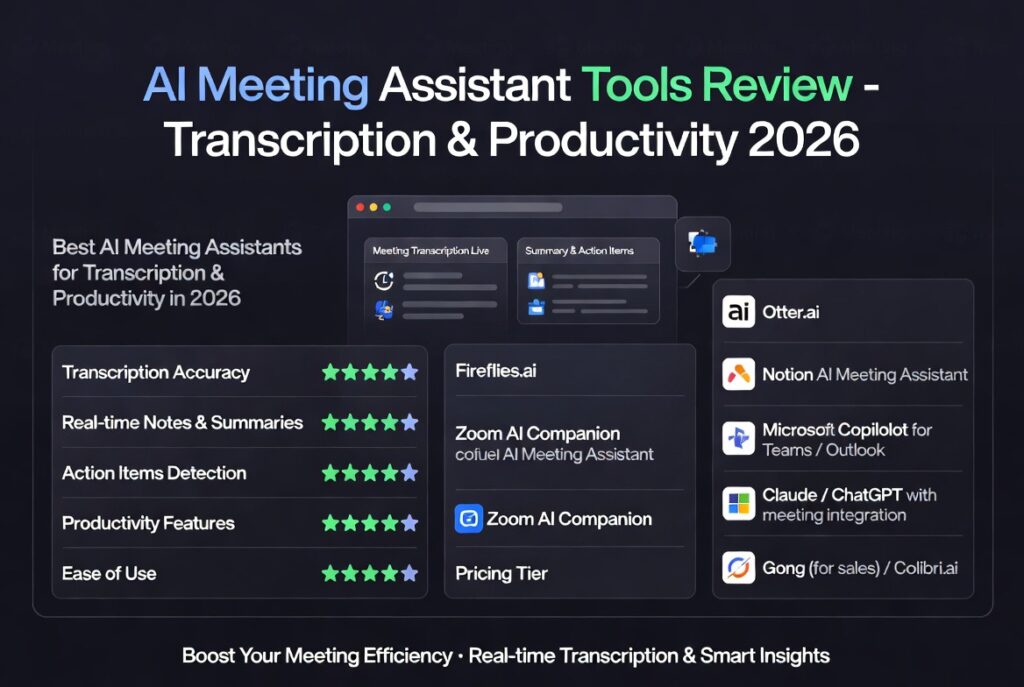
Ai meeting assistant tools review is essential for teams looking to automate meeting notes, transcription, and scheduling. As remote work and virtual collaboration continue to grow, AI-powered meeting tools are becoming critical for improving productivity and reducing manual effort.
Modern teams spend a significant portion of their time in meetings. Without proper documentation and follow-ups, important insights can be lost. AI meeting assistants solve this problem by recording conversations, generating summaries, and automating workflows.
If you’re exploring broader tools, start here:
ai productivity tools 2026
Best AI Productivity Tools 2026 Guide
Why AI Meeting Assistant Tools Matter
The rise of distributed teams has made efficient communication more important than ever. This ai meeting assistant tools review highlights how AI can streamline meeting workflows and eliminate repetitive tasks.
- automate note-taking
- improve meeting productivity
- capture key insights automatically
- reduce manual documentation
- enhance team collaboration
Instead of focusing on writing notes, participants can concentrate on the discussion while AI handles documentation.
Top AI Meeting Assistant Tools Reviewed
This ai meeting assistant tools review covers some of the most popular platforms used by professionals and teams.
Otter.ai
Otter.ai is one of the leading AI meeting assistants, offering real-time transcription and automated summaries. It integrates with platforms like Zoom and Google Meet.
- live transcription
- speaker identification
- meeting summaries
Fireflies.ai
Fireflies.ai records meetings and generates searchable transcripts. It also allows users to highlight key moments and collaborate with teammates.
- meeting recording
- AI-powered search
- team collaboration features
Fathom
Fathom is a Zoom-focused meeting assistant that automatically records, transcribes, and summarizes calls. It is popular for its ease of use and fast setup.
- instant summaries
- Zoom integration
- highlight sharing
Avoma
Avoma provides advanced meeting intelligence, including transcription, analytics, and conversation insights. It is widely used by sales and customer success teams.
- conversation analytics
- agenda templates
- CRM integrations
Key Features of AI Meeting Assistant Tools
Understanding the core features is critical when evaluating tools in this ai meeting assistant tools review.
Transcription
AI tools convert spoken words into text in real time. This ensures that every detail of a meeting is captured accurately.
Summaries
Automated summaries highlight key points, decisions, and action items, saving time during post-meeting reviews.
Scheduling
Some tools integrate with calendars to schedule meetings, send reminders, and manage availability.
Search and Collaboration
Advanced tools allow users to search transcripts, tag teammates, and share meeting insights easily.
Performance Comparison
This ai meeting assistant tools review compares performance across different categories:
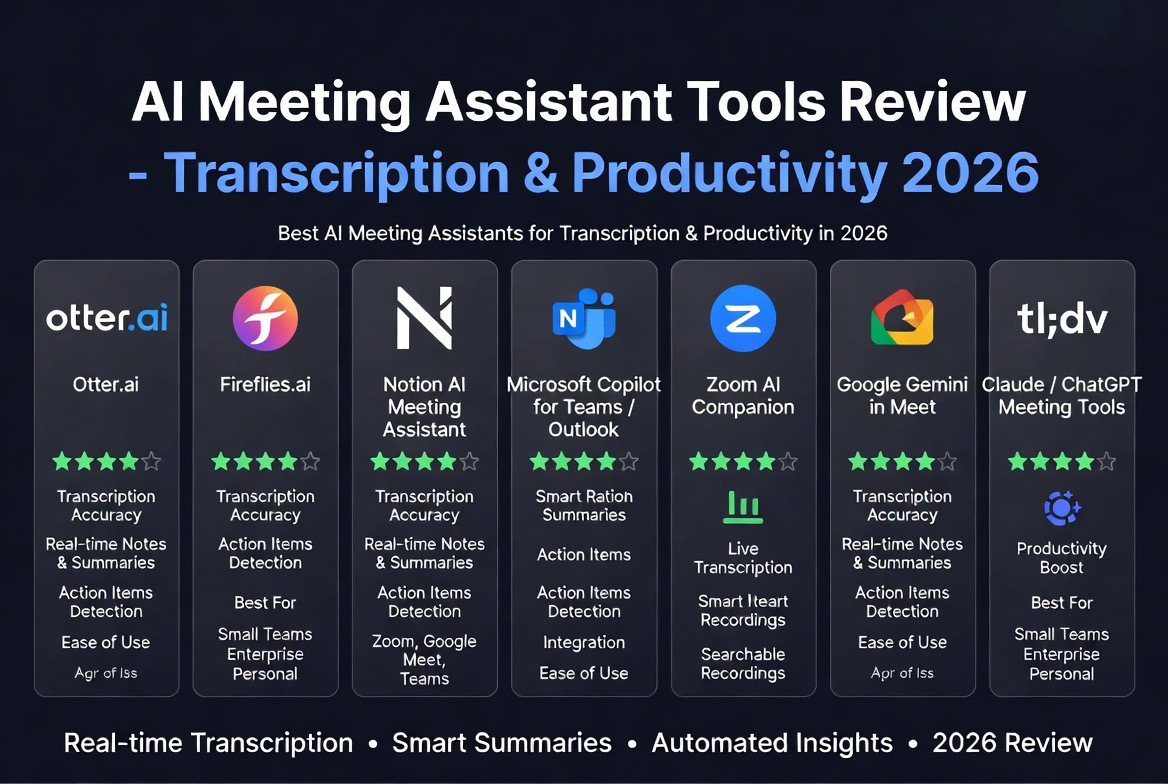
- accuracy: Otter.ai and Fireflies.ai provide high transcription accuracy
- ease of use: Fathom is simple and beginner-friendly
- advanced features: Avoma offers analytics and insights
- integration: most tools integrate with Zoom, Google Meet, and Microsoft Teams
Choosing the right tool depends on your team’s needs and workflow complexity.
Use Cases for AI Meeting Assistant Tools
AI meeting assistants are useful across multiple industries and roles.
Remote Teams
Remote teams benefit from automated documentation and improved communication.
Sales Teams
Sales professionals use these tools to analyze conversations and improve performance.
Content Creators
Transcriptions can be repurposed into blog posts, reports, or social media content.
Project Managers
Meeting summaries help track progress and ensure accountability.
Explore more tools:
ai productivity tools review
Pros and Cons of AI Meeting Assistant Tools
Pros
- automates note-taking
- saves time
- improves accuracy
- enhances collaboration
Cons
- may require subscriptions
- accuracy depends on audio quality
- privacy concerns in sensitive meetings
How to Choose the Best AI Meeting Assistant Tool
When selecting a tool from this ai meeting assistant tools review, consider:
- integration with your meeting platform
- accuracy of transcription
- pricing and scalability
- ease of use
Testing free versions is the best way to find the right fit for your team.
Future of AI Meeting Assistant Tools
AI meeting tools are evolving rapidly. Future developments may include:
- real-time translation
- AI-generated action plans
- voice sentiment analysis
- fully automated meeting workflows
As AI improves, these tools will become even more powerful and widely adopted.
Conclusion
This ai meeting assistant tools review shows that AI-powered platforms are transforming how teams manage meetings. Tools like Otter.ai, Fireflies.ai, Fathom, and Avoma provide powerful features that improve productivity and collaboration.
By adopting the right tool, teams can save time, capture insights, and focus on meaningful discussions instead of manual note-taking.
Stay updated:
Tech News
FAQ
What are AI meeting assistant tools?
AI meeting assistant tools automate transcription, note-taking, and meeting summaries using artificial intelligence.
Which is the best AI meeting assistant?
Popular tools include Otter.ai, Fireflies.ai, Fathom, and Avoma, depending on features and use cases.
Are AI meeting tools accurate?
Yes, most AI meeting tools provide high transcription accuracy, though results depend on audio quality.
Are AI meeting assistant tools free?
Many tools offer free plans with limited features, while advanced capabilities require paid subscriptions.

Leave a reply